
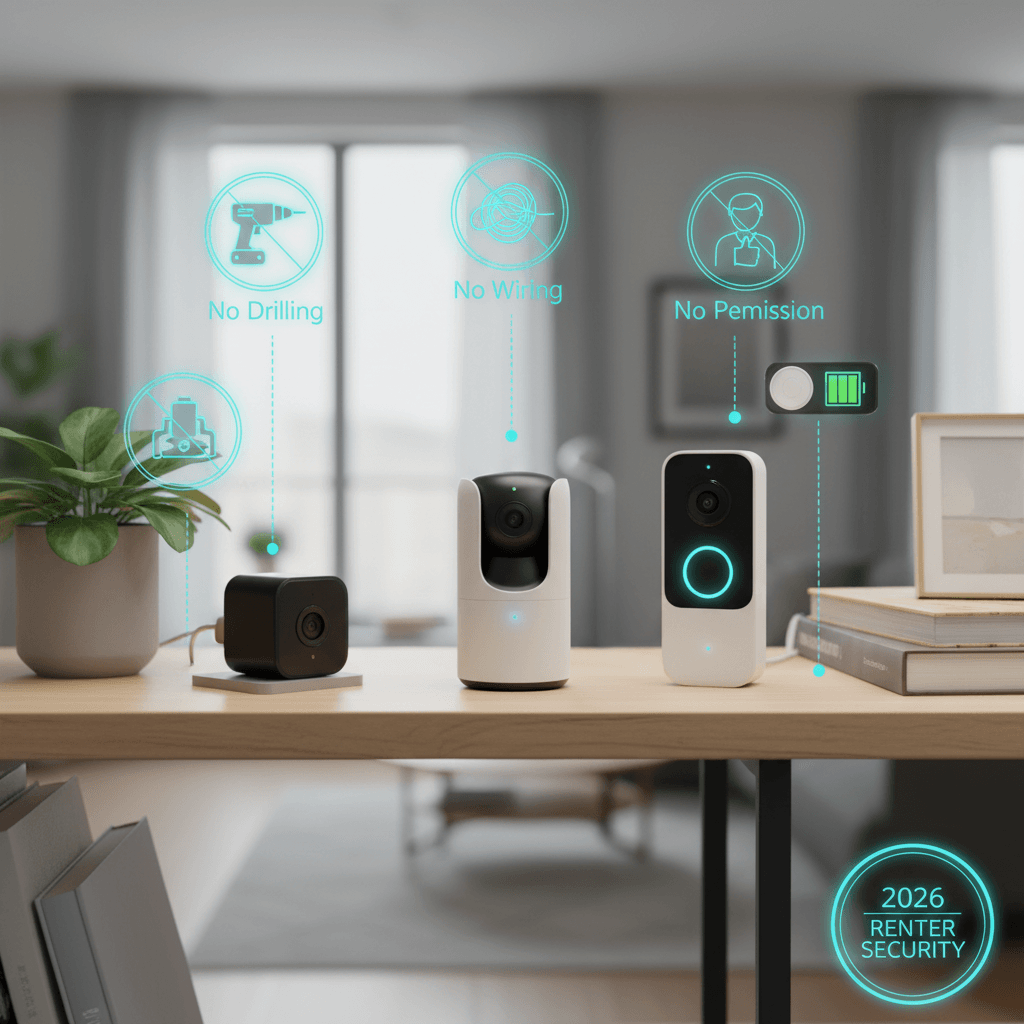
When you rent, you live in a security paradox. You want to protect your stuff, but you can’t drill holes for cameras, you can’t hardwire a security system, and you can’t modify the door or windows without risking your security deposit. Most home security content assumes you own your home and can install whatever you want wherever you want. This guide is for the rest of us — the renters who want to monitor their front door and catch the package thief without getting an angry email from the landlord.
I tested five wireless security cameras in my rental apartment over two months. Every camera in this guide requires zero permanent installation — magnetic mounts, adhesive strips, or freestanding placement. They run on batteries or plug into existing outlets. When you move, they come with you.
Quick Verdict
| Camera | Price | Power | Resolution | Storage | Best For |
|---|---|---|---|---|---|
| Blink Outdoor 4 | ~$100 | 2x AA batteries (2 years) | 1080p | Local (USB) or cloud ($3/mo) | Overall best for renters |
| Ring Indoor Cam (2nd gen) | ~$60 | Plug-in | 1080p | Cloud ($4/mo) or local Ring hub | Best indoor |
| Eufy SoloCam S340 | ~$130 | Solar panel + battery | 3K dual lens | Local (built-in 8GB) | No subscription ever |
| Arlo Essential XL | ~$130 | Rechargeable battery (6 months) | 2K | Cloud ($3/mo) or limited free | Best image quality |
| Wyze Cam v4 | ~$36 | Plug-in | 2K | Local (microSD) or cloud ($2/mo) | Cheapest functional option |
The Reviews
Blink Outdoor 4 — The Renter’s Best Friend
Price: ~$100 | Power: 2x AA lithium batteries (up to 2 years) | Resolution: 1080p
The Blink Outdoor 4 is designed for the exact scenario renters face. It runs on two AA lithium batteries that last up to 2 years (I’m at 5 months with 65% battery remaining). It mounts with an included magnetic base or adhesive — no screws, no holes. It’s weather-resistant (IP65) for outdoor mounting on a windowsill, porch railing, or ledge. And it connects to Wi-Fi directly — no hub required (though the optional Sync Module 2 adds local USB storage).
Image quality is 1080p — adequate for identifying faces and package details at close range (under 15 feet), but not sharp enough for license plates or distant detail. Night vision uses infrared and covers about 25 feet clearly. Motion detection is person-specific — it distinguishes people from cars, animals, and shadows, reducing false alerts to about 2-3 per day in my testing (compared to 15+ per day with basic motion detection cameras).
The subscription question: without Blink’s $3/month plan, you get live view and motion alerts but no cloud recording. The Sync Module 2 ($35) enables local recording to a USB drive — a one-time purchase that eliminates the subscription need. This is the setup I recommend: Blink Outdoor 4 + Sync Module 2 + 64GB USB drive = $145 total, no ongoing costs.
The good: 2-year battery life, zero installation damage, person detection, local storage option, weather-resistant. The less good: 1080p resolution is dated, slight delay on live view (1-3 seconds), limited to Alexa ecosystem (no Google Home), recordings need subscription or Sync Module.
Ring Indoor Cam (2nd Gen) — Simple Indoor Monitoring
Price: ~$60 | Power: Plug-in (USB-C) | Resolution: 1080p
The Ring Indoor Cam is a $60 plug-and-play security camera. Plug it into any outlet, connect to Wi-Fi, and you have a live-viewable camera with motion alerts, two-way audio, and night vision. It sits on any flat surface or mounts with a simple adhesive strip. For monitoring a front door interior, a home office, or keeping an eye on a pet, it’s the simplest solution here.
The physical privacy shutter is a nice touch — slide it to cover the lens when you’re home and don’t want the camera active. This is more reassuring than software-based privacy modes because you can physically verify the camera is blocked.
Ring requires a subscription ($4/month or $100/year for Ring Protect Basic) for cloud recording. Without it, you get live view and real-time alerts but no recording playback. The Ring Alarm Pro base station enables local recording, but that’s a $200 investment. For most renters, the $4/month is the practical option.
The good: Cheapest plug-in option, physical privacy shutter, simple setup, two-way audio, Alexa integration. The less good: Requires subscription for recordings, plug-in only (no battery), 1080p resolution, Ring’s Amazon data-sharing practices raise privacy concerns.
Eufy SoloCam S340 — Never Pay a Subscription
Price: ~$130 | Power: Solar panel + built-in battery | Resolution: 3K dual lens | Storage: Built-in 8GB (local only)
The Eufy SoloCam S340 is the anti-subscription camera. It has built-in 8GB local storage — no cloud, no monthly fee, no account required beyond initial setup. Your footage stays on the camera, accessible via the Eufy app. The integrated solar panel keeps the battery charged indefinitely with 2+ hours of daily sunlight, so you never need to remove, charge, or replace batteries.
The dual-lens system is the technical standout: a wide-angle lens for overview and a telephoto lens for 8x hybrid zoom. When motion is detected, the camera tracks the subject and zooms automatically. The 3K resolution is the highest here, producing noticeably sharper footage than the 1080p cameras — face details and text (delivery labels, license plates) are readable at greater distances.
The trade-off is the 8GB storage limitation. At 3K resolution, 8GB stores roughly 2-3 days of motion-triggered recordings. The camera overwrites the oldest footage when full, so you need to download important clips promptly. For most use cases (checking who was at the door, verifying a package delivery), this is fine. For extended surveillance review, it’s limiting.
“Eufy SoloCam has been running for 11 months. Zero subscription fees. Zero battery charges (solar keeps it alive). Zero maintenance. I check clips when I get an alert and that’s it. The $130 was the entire cost.” — u/subscription_free_life, r/homesecurity
The good: No subscription ever, solar powered, 3K resolution, 8x zoom, local storage, AI person/vehicle detection. The less good: 8GB storage is limiting, solar requires outdoor placement with sunlight, no cloud backup option, larger camera body.
Arlo Essential XL — Best Video Quality
Price: ~$130 | Power: Rechargeable battery (up to 6 months) | Resolution: 2K
The Arlo Essential XL produces the best-looking footage in this lineup. The 2K resolution is sharp, the color science is natural, and the HDR processing handles mixed lighting (bright doorway + dim hallway) better than any other camera here. Night vision is excellent — color night vision in areas with some ambient light, clean infrared in complete darkness.
The XL battery lasts about 4-6 months depending on activity (more motion events = more battery drain). Recharging takes 3-4 hours via magnetic USB cable. The magnetic mount is the strongest here — it holds firmly against metal surfaces and doesn’t drift or slip.
Arlo’s free tier includes 30 days of cloud thumbnail history but no video playback. The Arlo Secure plan ($3/month for one camera) adds cloud recording, activity zones, and smart detection. Without the plan, the camera is limited to live view and notifications — you can’t review what happened, only see what’s happening now. This makes the subscription effectively mandatory for security purposes.
The good: Best video quality, good battery life, strong magnetic mount, color night vision, HDR. The less good: Subscription practically required, rechargeable (not replaceable) battery, Arlo app can be slow, premium price for one camera.
Wyze Cam v4 — The $36 Security Camera
Price: ~$36 | Power: Plug-in (USB) | Resolution: 2K
Wyze built its reputation on making functional tech absurdly cheap, and the Cam v4 continues that tradition. For $36, you get a 2K camera with color night vision, person/package/pet detection, two-way audio, and microSD local storage (no subscription required for basic recording). The $2/month Cam Plus plan adds cloud recording and smarter AI detection, but the camera is fully functional without it.
At this price, compromises exist. The app experience is cluttered — Wyze pushes notifications for their other products (robot vacuums, smart plugs, scales) within the camera app. The connection can be finicky — I experienced three brief disconnections over two months that resolved after restarting the app. And Wyze has had security incidents in the past (a 2022 breach exposed some user data), which is worth factoring into your trust assessment.
For a $36 camera that records locally to a microSD card with no subscription, the Wyze Cam v4 is hard to argue against on value. It’s not the most reliable or polished, but it does the job at a fraction of the price. Our AI gadgets reality check discusses the broader trend of cheap smart devices with questionable data practices.
The good: $36 price, 2K resolution, color night vision, local storage (microSD), no subscription needed. The less good: Past security concerns, cluttered app, occasional disconnections, plug-in only, privacy practices less transparent than competitors.
Privacy Considerations for Renters
Where you can point cameras: In most jurisdictions, you can record your own property (interior, your porch, your parking spot). You generally cannot record shared spaces (hallways in apartment buildings, other tenants’ doors, public sidewalks depending on jurisdiction). Check your local laws and lease agreement before installing any camera. Audio recording has stricter regulations than video in many states — two-party consent states require all parties to know they’re being recorded.
Cloud vs local storage: Cloud storage means your footage lives on a company’s servers. For most users, this is fine. For privacy-conscious users, local storage (Eufy’s built-in storage, Blink’s Sync Module + USB, Wyze’s microSD) keeps footage under your control. Our home server guide covers advanced local storage setups that can integrate with some camera systems.
FAQ
Do I need my landlord’s permission for security cameras?
For indoor cameras and cameras that don’t require permanent installation: generally no. For cameras mounted with screws on exterior walls: check your lease. Everything in this guide uses non-permanent mounting (magnetic, adhesive, freestanding). When you move out, remove the cameras and any adhesive residue. No damage, no lease violation.
Can security cameras work without Wi-Fi?
Some cameras (Blink, Eufy) can record to local storage without Wi-Fi, but you won’t receive real-time alerts or access live view remotely. Most cameras are designed around a Wi-Fi connection. If your Wi-Fi is unreliable, prioritize cameras with local storage so recordings aren’t lost during outages.
How do I monitor cameras when I’m not home?
All cameras in this guide have companion smartphone apps that send motion alerts and allow live viewing from anywhere with an internet connection. Cloud storage plans enable recorded footage review. Some integrate with Alexa or Google Home for voice-activated viewing on smart displays.
Are subscription fees worth it?
If you want to review recorded footage (not just live view): yes, unless you use local storage. The Eufy SoloCam and Wyze with microSD are the only options here that provide free recording playback. For the others, $2-4/month buys cloud recording and smarter AI detection. The Blink + Sync Module approach ($35 one-time) is the best middle ground.