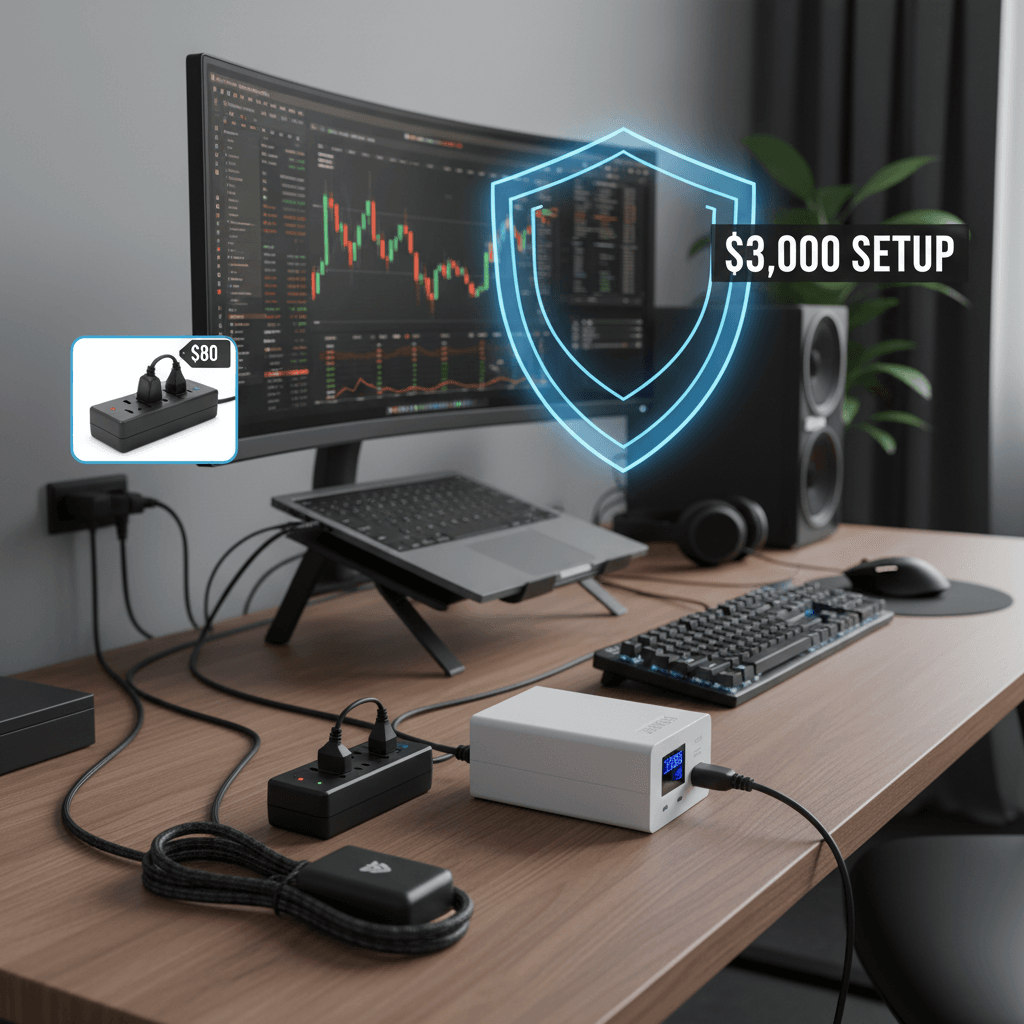
My neighbor lost a $2,400 MacBook Pro to a power surge during a summer thunderstorm. The lightning didn’t hit his house — it hit a transformer three blocks away, sent a spike through the grid, and fried his laptop’s charging circuit through a cheap power strip. He thought the $12 power strip from Walmart was “surge protection” because it had six outlets. It wasn’t. It was an extension cord with a plastic housing and a prayer.
After watching him go through Apple’s $800 repair process, I audited my own setup and realized I was guilty of the same negligence. My desk setup — monitor, laptop, dock, speakers, NAS — represented about $4,000 of equipment plugged into a $15 power strip with “surge protection” that probably expired in 2021. So I tested six surge protectors and three UPS (Uninterruptible Power Supply) units to find the right protection for a serious home office.
On this page
Quick Verdict
| Rank | Product | Price | Type | Best For | Rating |
|---|---|---|---|---|---|
| 1 | APC Back-UPS Pro 1500VA | ~$219 | UPS + surge | Full home office protection | 9.3/10 |
| 2 | CyberPower CP1500PFCLCD | ~$199 | UPS + surge | Best value UPS | 9.0/10 |
| 3 | Tripp Lite TLP1208SAT | ~$39 | Surge protector | Best surge-only protection | 8.5/10 |
| 4 | APC SurgeArrest P12U2 | ~$35 | Surge protector | USB charging + protection | 8.2/10 |
| 5 | APC Back-UPS 850VA | ~$109 | UPS + surge | Budget UPS for single PC | 8.0/10 |
UPS vs Surge Protector: Which Do You Need?
Surge protector: Diverts excess voltage away from your devices during a power spike. Costs $25-50. Protects against surges but does nothing during a power outage — your devices lose power instantly. Adequate for equipment that can handle sudden shutdowns (monitors, speakers, chargers).
UPS (Uninterruptible Power Supply): Contains a battery that instantly kicks in during power loss, giving you 5-20 minutes to save work and shut down gracefully. Also includes surge protection. Costs $100-250. Essential for any device that can be damaged by sudden power loss (NAS drives, desktops) or where losing unsaved work is unacceptable.
The rule: If you work on a laptop, a surge protector is sufficient — your laptop battery IS your UPS. If you have a desktop PC, NAS, or external drives that run 24/7, a UPS is strongly recommended. If you have a remote work setup where losing power means missing a client call or losing unsaved code, a UPS provides peace of mind worth every penny.
APC Back-UPS Pro 1500VA (~$219) — The Full Protection Package
“My APC 1500 has saved my NAS from sudden shutdown four times in two years. Each time: brief power flicker, UPS kicks in seamlessly, I get a notification on my phone, power returns 10 seconds later. Without the UPS, that’s four potential RAID rebuild events.” — r/homelab
The APC 1500VA is the default recommendation for home offices for good reason. The 1500VA / 900W capacity handles a full desk setup (monitor + laptop dock + speakers + NAS + router) with room to spare. During a power outage, it provides approximately 10-15 minutes of runtime at typical home office load — plenty of time to save, shut down, and wait for power to return.
The LCD display shows real-time wattage draw, battery charge percentage, and estimated runtime. The USB connection to your computer enables automatic graceful shutdown if the power stays off longer than your configured threshold. The software works on Windows, macOS, and Linux.
Surge protection is rated at 1080 joules with $300,000 connected equipment warranty. This means APC will pay to replace your connected equipment if a surge gets through. Read the fine print (you need to register and file a claim), but it demonstrates their confidence in the protection level.
The honest downside: It’s heavy (25 lbs), large (roughly the size of a car battery), and the fan spins up audibly during battery operation. The battery needs replacement every 3-4 years (~$45 replacement). And at $219, it’s a hard sell for people who’ve never experienced a power event — until the first time it saves your data.
The Joule Rating Explained (And Why Cheap Strips Fail)
Surge protectors are rated in joules — the total amount of surge energy they can absorb before failing. Here’s the scale:
- Under 500 joules: That $12 power strip. Provides minimal protection. One moderate surge and it’s spent — still passes power but no longer protects. You’d never know until the next surge damages your equipment.
- 500-1000 joules: Basic protection. Handles common household surges (appliance cycling, minor grid fluctuations). Not adequate for expensive equipment.
- 1000-2000 joules: Good protection. Handles most residential surges including nearby lightning strikes. The minimum I’d recommend for a home office.
- 2000+ joules: Excellent protection. Can absorb multiple significant surge events before degrading.
Critical detail: surge protectors degrade with every surge they absorb. A 1000-joule protector that absorbs a 400-joule surge now has only 600 joules of capacity remaining. Most cheap strips have no indicator showing remaining protection. Premium protectors (Tripp Lite, APC) have LED indicators that turn off when protection is depleted. When the light goes off, replace it.
FAQ
Do laptops need a UPS?
No. Your laptop battery serves the same function — it provides power during an outage. You just need a decent surge protector for the charger to prevent voltage spikes from reaching the laptop’s charging circuit. If you use a docking station, protect the dock with a surge protector (the dock itself has no battery backup).
How often should I replace a surge protector?
Every 3-5 years, or immediately when the “protected” LED turns off. Surge protectors degrade over time even without visible surge events — minor daily fluctuations slowly consume joule capacity. If your surge protector is from 2020 or earlier, replace it regardless of whether the light is still on.
Can a UPS protect against lightning?
Against a direct lightning strike? No — nothing household-grade can. Against secondary surges from nearby strikes (which is what 99% of “lightning damage” actually is)? Yes. The surge protection in quality UPS units handles the voltage spikes that travel through power lines from transformer hits within a few blocks.
What wattage UPS do I need?
Add up the wattage of everything you’ll plug into the battery-backed outlets. A typical setup: laptop dock (90W) + monitor (40W) + NAS (30W) + router (15W) = 175W. A 900W/1500VA UPS handles this with massive headroom. The higher the headroom, the longer the battery lasts during an outage. For most home offices, 1000-1500VA is the sweet spot.