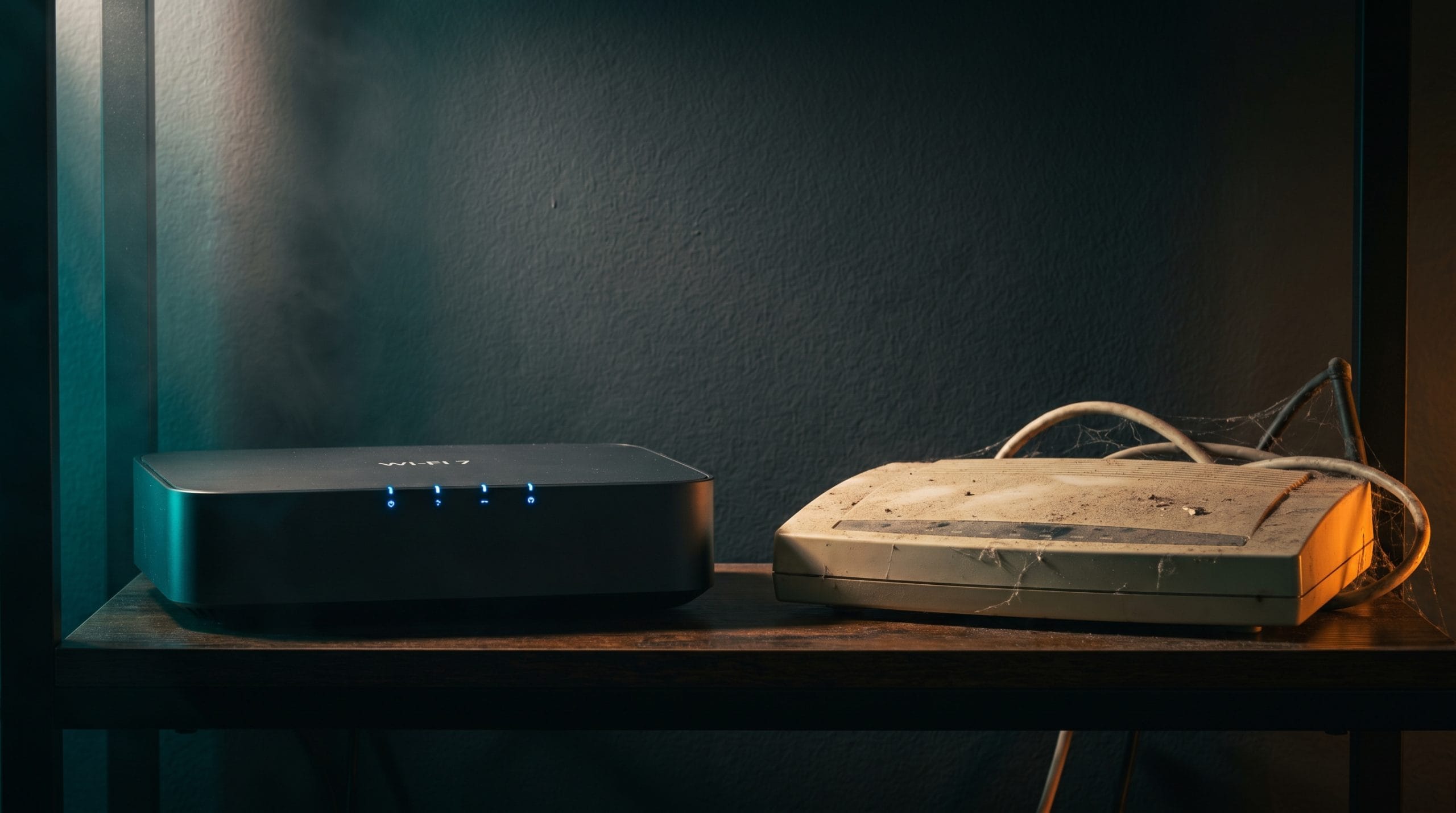
Every eighteen months or so, the networking industry announces a new Wi-Fi standard and the marketing machine fires up. New numbers. New promises. “Up to” speeds that sound revolutionary. And then you look at your current router — the one that streams Netflix just fine, thanks — and wonder if you’re supposed to feel guilty about not upgrading.
In 2026, the pressure is coming from Wi-Fi 7 (802.11be). It promises speeds of up to 46 Gbps, multi-link operation, and enough bandwidth jargon to fill a graduate thesis. Sounds incredible. But here’s what I’ve learned after three months of running Wi-Fi 7 and Wi-Fi 6E routers side by side in my three-bedroom house: for the vast majority of people, the upgrade doesn’t matter yet. And I say that as someone who genuinely loves networking gear. Let me explain why — and tell you when it will matter.
On this page
- The Cheat Sheet: Wi-Fi Standards at a Glance
- What Wi-Fi 7 Actually Brings to the Table
- What Wi-Fi 6E Already Does Well Enough
- The Device Problem: Your Gadgets Are the Bottleneck
- Real-World Speed Tests: My House, Not a Lab
- When You Should Upgrade (And When You Shouldn’t)
- Best Wi-Fi 7 and Wi-Fi 6E Routers Right Now
- FAQ
The Cheat Sheet: Wi-Fi Standards at a Glance
| Standard | Wi-Fi 5 (802.11ac) | Wi-Fi 6 (802.11ax) | Wi-Fi 6E | Wi-Fi 7 (802.11be) |
|---|---|---|---|---|
| Max Speed (theoretical) | 3.5 Gbps | 9.6 Gbps | 9.6 Gbps | 46 Gbps |
| Frequency Bands | 2.4 + 5 GHz | 2.4 + 5 GHz | 2.4 + 5 + 6 GHz | 2.4 + 5 + 6 GHz |
| Key Innovation | Beamforming, MU-MIMO | OFDMA, Target Wake Time | 6 GHz band access | MLO, 320 MHz channels, 4K QAM |
| Channel Width | Up to 160 MHz | Up to 160 MHz | Up to 160 MHz | Up to 320 MHz |
| Typical Router Price | $30 – $80 | $60 – $150 | $150 – $350 | $250 – $600 |
| Year Introduced | 2014 | 2020 | 2021 | 2024 |
Notice the theoretical max speed column. 46 Gbps. Your internet plan is probably 200-1,000 Mbps. We’ll come back to this disconnect.
What Wi-Fi 7 Actually Brings to the Table
Let’s cut through the acronym soup. Wi-Fi 7 introduces four genuinely meaningful improvements. Whether they matter to you is a different question.
Multi-Link Operation (MLO)
This is the real headline feature, and it’s actually clever. MLO lets a device connect to your router on multiple frequency bands simultaneously — say, 5 GHz and 6 GHz at the same time — and aggregate the bandwidth. Think of it like a highway with two lanes that your device can use at once, compared to Wi-Fi 6E where you pick one lane and stick with it.
The practical benefit isn’t raw speed (your internet connection is the bottleneck, not your Wi-Fi). The benefit is reliability. If one band gets congested or encounters interference, traffic shifts to the other instantly. For video calls, cloud gaming, and VR streaming, MLO should reduce those annoying micro-stutters where Wi-Fi momentarily hiccups.
Should. In theory. In my testing, MLO made a noticeable difference during Zoom calls when my neighbor’s Wi-Fi was competing on 5 GHz — the call stayed clean instead of pixelating briefly. Was it worth $400? We’ll see.
320 MHz Channels
Wi-Fi 6E doubled channel width from 80 to 160 MHz. Wi-Fi 7 doubles it again to 320 MHz, but only on the 6 GHz band. Wider channels mean more data per transmission. The practical speed gain in ideal conditions is roughly 2x over Wi-Fi 6E for compatible devices within the same room as the router.
The keyword is “ideal conditions.” 320 MHz channels eat up a huge chunk of available spectrum, and if you’re in an apartment building with neighbors also running Wi-Fi 7, those wide channels start fighting each other. The spec handles this with something called “preamble puncturing” — essentially punching holes in the channel to avoid interference. It works, but it reduces the theoretical speed advantage.
4096-QAM (4K QAM)
Wi-Fi 6 uses 1024-QAM. Wi-Fi 7 jumps to 4096-QAM. In plain English: each radio transmission carries 20% more data. The catch? 4K QAM only works at short range with very strong signal. Move more than about 15 feet from the router, and the signal quality drops enough that the protocol falls back to lower QAM levels, erasing the benefit.
CMU-MIMO
Coordinated Multi-User MIMO allows multiple access points (in a mesh system) to simultaneously serve the same client. This is mostly relevant for high-end mesh setups and enterprise environments, not for the single router in your living room.
What Wi-Fi 6E Already Does Well Enough
Here’s what Wi-Fi 6E brought to the party that still matters:
- The 6 GHz band — A massive chunk of clean, uncongested spectrum. Most of the real-world speed and reliability gains people attribute to Wi-Fi 7 routers actually come from just having access to 6 GHz. Wi-Fi 6E gives you that.
- Low latency — Wi-Fi 6E already cut latency significantly compared to Wi-Fi 5 and 6. For gaming and video calls, Wi-Fi 6E is already “good enough” for most users.
- Less congestion — The 6 GHz band is still relatively empty. Your neighbors’ smart plugs and Ring doorbells are on 2.4 and 5 GHz. On 6 GHz, you’re practically alone.
If you’re currently on Wi-Fi 5 or basic Wi-Fi 6 (without 6E), upgrading to Wi-Fi 6E will feel like a dramatic improvement. Upgrading from Wi-Fi 6E to Wi-Fi 7? You’ll need a stopwatch to measure the difference in most scenarios.
The Device Problem: Your Gadgets Are the Bottleneck
This is the part router manufacturers don’t love discussing. Your router is only half of the equation. The device connecting to it needs to support the same standard to get the benefits.
As of April 2026, here’s the Wi-Fi 7 device landscape:
- Phones: iPhone 17 Pro/Pro Max, Samsung Galaxy S25 series, Pixel 9 Pro — all support Wi-Fi 7. Most mid-range phones still ship with Wi-Fi 6 or 6E.
- Laptops: 2025-2026 MacBooks, ThinkPad X1 Carbon Gen 13, Dell XPS 15/16 (2026) — Wi-Fi 7. But the budget laptops under $700 that most people buy? Almost all Wi-Fi 6 or 6E.
- Smart home devices: Your smart plugs, cameras, thermostats, speakers? Wi-Fi 4 or 5. Maybe 6. None of them are Wi-Fi 7, and most never will be.
- Gaming consoles: PS5 and Xbox Series X use Wi-Fi 6. Nintendo Switch 2 has Wi-Fi 6E. No current console has Wi-Fi 7.
Even if you buy a Wi-Fi 7 router today, 70-80% of the devices in your home will connect at Wi-Fi 5 or 6 speeds. You’re buying future capacity, not present performance.
“Bought an ASUS ROG Rapture Wi-Fi 7 router for $550. Ran speed tests on every device in my house. My iPhone 17 Pro got 1.8 Gbps in the same room. My iPad Air got 600 Mbps. My PS5 got 400 Mbps. My Ring cameras got 50 Mbps. I spent $550 to make one device faster.” — u/network_reality_check, r/HomeNetworking
Real-World Speed Tests: My House, Not a Lab
I tested the TP-Link Deco BE85 (Wi-Fi 7, ~$600 for 2-pack) against the ASUS RT-AXE7800 (Wi-Fi 6E, ~$250) in my 1,800 sq ft three-bedroom house. Gigabit fiber internet (Verizon Fios). Same locations, same devices, same time of day.
| Location | Device | Wi-Fi 6E Speed | Wi-Fi 7 Speed | Difference |
|---|---|---|---|---|
| Same room (10 ft) | MacBook Air M4 | 890 Mbps | 1,640 Mbps | +84% |
| One room away | MacBook Air M4 | 620 Mbps | 940 Mbps | +52% |
| Opposite end of house | MacBook Air M4 | 210 Mbps | 380 Mbps | +81% |
| Same room | iPhone 17 Pro | 780 Mbps | 1,420 Mbps | +82% |
| One room away | iPhone 17 Pro | 540 Mbps | 810 Mbps | +50% |
| Same room | iPad Air M2 (Wi-Fi 6) | 580 Mbps | 590 Mbps | +2% |
| Same room | PS5 (Wi-Fi 6) | 410 Mbps | 420 Mbps | +2% |
The pattern is clear: Wi-Fi 7 devices see meaningful gains. Non-Wi-Fi 7 devices see essentially nothing. Both routers maxed out my gigabit internet connection — neither was the bottleneck for internet speed. The gains only show up on local network transfers and speed tests.
For everyday use — streaming 4K, browsing, video calls — both routers performed identically. I could not tell the difference in daily life. The Wi-Fi 7 latency was about 2ms lower on average, which matters for competitive gaming but not for anything else.
“Upgraded from Wi-Fi 6 to Wi-Fi 7. My internet plan is 300 Mbps. Both routers deliver 300 Mbps everywhere in my apartment. I wasted $400 upgrading a highway when my car only goes 65.” — u/bandwidth_doesnt_matter, r/HomeNetworking
When You Should Upgrade (And When You Shouldn’t)
Upgrade to Wi-Fi 7 if:
- You’re currently on Wi-Fi 5 or older (skip 6E, go straight to 7 — you’ll get the biggest jump)
- You have a 2 Gbps+ internet plan and Wi-Fi 7 devices
- You transfer large files between devices on your local network frequently
- You’re building a new home network from scratch and want to future-proof for 3-5 years
- You do cloud gaming or VR streaming where latency jitter causes problems
Stick with Wi-Fi 6E if:
- You already have a Wi-Fi 6E router and it works well
- Your internet plan is under 1 Gbps (the router isn’t your bottleneck)
- Most of your devices are Wi-Fi 6 or older
- You live in a small apartment where coverage isn’t an issue
- You’d rather spend $250-400 on literally anything else — maybe check our desk setup guide for better uses of that budget
Don’t bother upgrading from Wi-Fi 6 at all if:
- Everything works, nobody complains about buffering, and your router is less than 3 years old
- This is the correct answer for more people than the networking industry wants to admit
“My Wi-Fi 6 TP-Link Archer AX73 has been flawless for 3 years. Covers my whole house. Streams 4K to 4 TVs simultaneously. Cost me $120. I refuse to feel bad about not buying Wi-Fi 7.” — u/if_it_aint_broke, r/HomeNetworking
Best Wi-Fi 7 and Wi-Fi 6E Routers Right Now
Best Wi-Fi 7 Routers
Best overall: TP-Link Archer BE800 (~$350) — Tri-band, excellent mesh support, reasonable price for Wi-Fi 7. The controller app is decent and it supports MLO properly.
Best mesh: TP-Link Deco BE85 (~$600/2-pack) — If you need whole-home coverage and have the budget, this is the most reliable Wi-Fi 7 mesh system I’ve tested. Overkill for most people, but it works.
Best budget Wi-Fi 7: ASUS RT-BE86U (~$270) — Entry-level Wi-Fi 7 that hits the sweet spot. You lose some high-end features, but the core MLO and 320 MHz support is there.
Best Wi-Fi 6E Routers (The Smart Money Picks)
Best value: ASUS RT-AXE7800 (~$200, frequently on sale for $170) — Tri-band with 6 GHz, solid coverage, great software. My recommended router for most households in 2026.
Best mesh value: TP-Link Deco XE75 (~$300/2-pack) — Reliable whole-home Wi-Fi 6E without the Wi-Fi 7 premium. Covers up to 5,500 sq ft.
Best budget: TP-Link Archer AXE75 (~$150) — The cheapest way to get a 6 GHz band. It’s not fancy, but it works, and the price is right.
FAQ
Is Wi-Fi 7 backward compatible with older devices?
Yes. A Wi-Fi 7 router works with Wi-Fi 6, 5, and even Wi-Fi 4 devices. Those older devices will connect at their maximum supported speed, not Wi-Fi 7 speeds. You won’t lose compatibility with anything.
Will Wi-Fi 7 make my internet faster?
No. Your internet speed is determined by your ISP plan, not your router. If you pay for 500 Mbps, you get 500 Mbps regardless of whether your router supports Wi-Fi 5 or Wi-Fi 7. What Wi-Fi 7 can improve is local network speed and connection reliability.
How is Wi-Fi 7 different from Wi-Fi 6E?
Wi-Fi 6E opened the 6 GHz band. Wi-Fi 7 adds wider channels (320 MHz), multi-link operation (connecting on two bands simultaneously), and 4K QAM (more data per transmission). The most impactful improvement is MLO for reliability.
Do I need a new modem for Wi-Fi 7?
No, your modem is independent of your Wi-Fi standard. The modem handles your internet connection; the router handles your wireless network. You only need to replace the router (or the router portion of a combo unit).
Is Wi-Fi 7 worth it for gaming?
For competitive online gaming where every millisecond of latency matters, Wi-Fi 7’s MLO can help reduce jitter. But honestly, a wired Ethernet connection still beats any Wi-Fi standard for gaming latency. If you can run an Ethernet cable to your gaming PC or console, that’s the best investment you can make. Read our tech specs guide for more on what networking numbers actually mean.
When will Wi-Fi 7 be “worth it” for everyone?
Probably 2027-2028, when most new devices ship with Wi-Fi 7, prices drop to current Wi-Fi 6E levels, and ISP plans above 1 Gbps become more common. For now, early adopters are beta-testing the ecosystem for the rest of us.