Smart home content on YouTube follows a predictable pattern: someone with $3,000 worth of gear walks you through their automated curtains, voice-controlled espresso machine, and lights that change color based on the weather forecast in Reykjavik. Then they link twenty affiliate products and you close the tab feeling like smart home automation requires either a trust fund or an engineering degree.
It doesn’t. For $200, you can automate the three things that actually improve daily life: lights, climate, and routines. Everything else — smart locks, robot vacuums, automated blinds — is nice-to-have that you can add later once you’ve confirmed that you actually use the basics. Here’s the $200 kit I’d buy if I were starting from zero, based on three years of running a smart home and learning which automations I use daily versus which ones I set up once and forgot about.
On this page
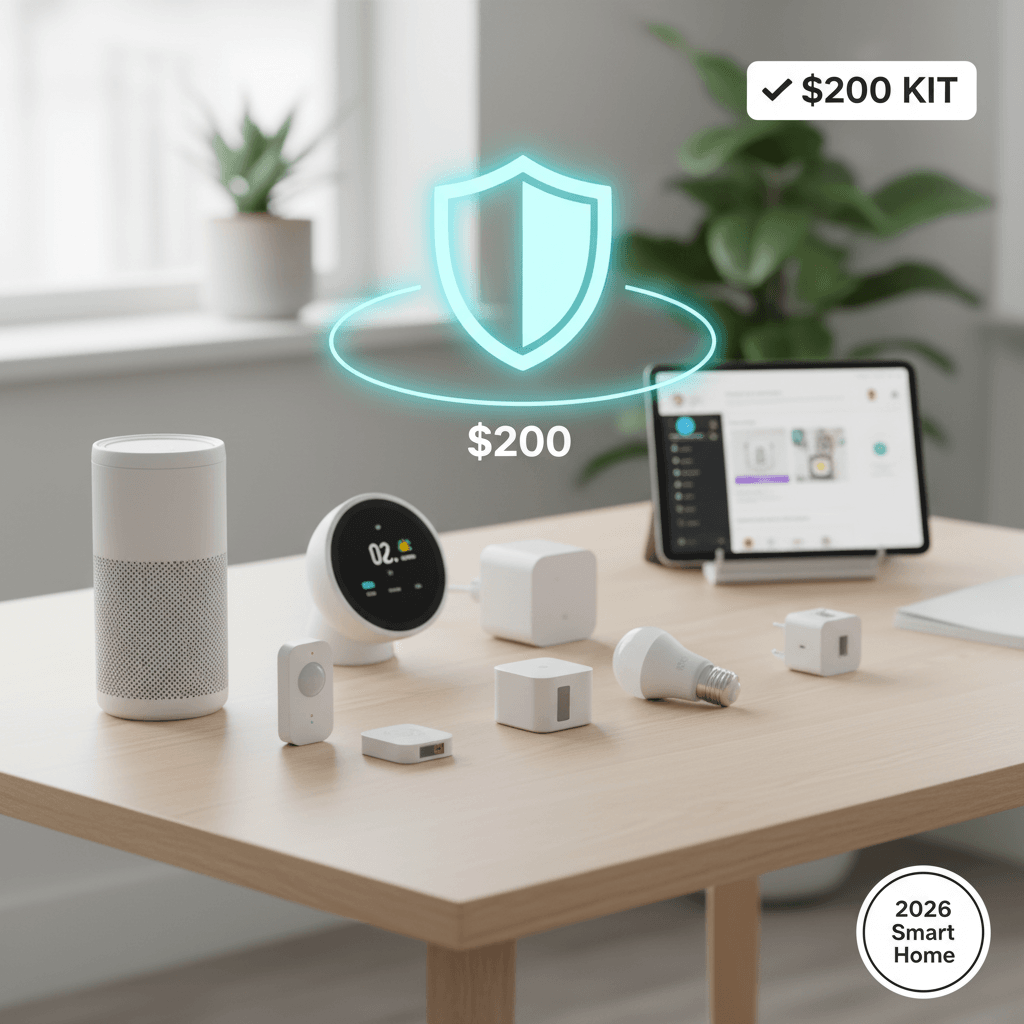
The $200 Starter Kit
| Item | Price | Purpose |
|---|---|---|
| Amazon Echo Pop | ~$25 | Voice control hub |
| Philips Hue White Starter Kit (3 bulbs + bridge) | ~$70 | Smart lighting |
| TP-Link Kasa Smart Plug (2-pack) | ~$15 | Appliance control |
| Switchbot Hub Mini + Thermometer | ~$45 | IR control + climate monitoring |
| Switchbot Curtain 3 | ~$45 | Automated curtains (optional luxury) |
Total: ~$200 ($155 without the Switchbot Curtain)
Why These Specific Products
Amazon Echo Pop ($25) — The Command Center
You need a voice assistant as the central interface. The Echo Pop costs $25 (frequently $18 on sale), responds to voice commands, and controls everything else in this kit. “Alexa, turn off the lights.” “Alexa, set the bedroom to 68 degrees.” “Alexa, good morning” (triggers a routine that turns on lights, reads weather, starts the coffee maker via smart plug).
I recommend Alexa over Google Home for smart home specifically because Alexa’s device compatibility is wider, routines are more flexible, and the Echo hardware is cheaper. For Google ecosystem users, a Nest Mini ($30) works identically. For Apple users, a HomePod Mini ($100) is the equivalent — but at 4x the price for the same core functionality.
Philips Hue White Starter Kit ($70) — The Automation That Matters Most
Lighting is the single most impactful smart home upgrade. Not because turning lights on with your voice is life-changing (it’s convenient, not revolutionary), but because automated lighting schedules change how your home feels. Lights that gradually warm and dim in the evening improve sleep quality. Lights that turn on automatically when you arrive home feel welcoming. Lights that turn off when everyone leaves save electricity.
Philips Hue is more expensive than budget smart bulbs (Wyze, Sengled, Govee), and I recommend it anyway. The Hue bridge provides local control — your lights work even if your internet goes down. The Zigbee protocol is faster and more reliable than Wi-Fi bulbs, which can slow your router when you add 10+ devices. And Hue bulbs last. I have Hue bulbs running for 4+ years without a single failure. The Wyze bulbs I tried lasted 18 months.
The starter kit includes three white-ambiance bulbs (adjustable color temperature from warm to cool) and the bridge. Put them in the three rooms you use most. Add individual bulbs later ($12-15 each) as needed.
TP-Link Kasa Smart Plugs ($15 for 2) — Make Dumb Appliances Smart
Smart plugs turn any appliance with a physical power switch into a smart device. Plug your coffee maker into a smart plug, flip the maker’s switch to “on,” and now Alexa can start your coffee at 6:30 AM. Plug a fan into a smart plug and it turns off automatically when the room temperature drops below a threshold (using the Switchbot thermometer as the trigger).
The Kasa KP125 also monitors energy usage — you can see exactly how much electricity each appliance draws. I discovered my “off” gaming PC was drawing 12W constantly (costing about $15/year), which led me to put it on a smart plug that cuts power completely when I’m not using it.
Switchbot Hub Mini + Thermometer ($45) — The IR Remote Killer
The Switchbot Hub Mini is an infrared blaster that learns your existing remote controls and replaces them. Your TV remote, AC remote, fan remote — all absorbed into one device controlled via app or voice. This means your non-smart AC unit becomes smart: “Alexa, set the AC to 72 degrees” works through the Switchbot sending the correct IR command to your existing AC unit. No replacement, no rewiring, no electrician.
The bundled thermometer/hygrometer provides room temperature data that enables automations: “If the bedroom temperature exceeds 78°F, turn on the AC.” “If humidity drops below 30%, turn on the humidifier via smart plug.” These conditional automations are where smart home actually saves money — running your AC only when needed rather than on a fixed schedule.
The 5 Automations Worth Setting Up First
- “Good Morning” routine: Triggered by alarm time or voice command. Turns on kitchen lights to warm white, reads weather and calendar, starts coffee maker via smart plug. Time to set up: 5 minutes.
- “Good Night” routine: Turns off all lights, sets AC to sleep temperature, confirms front door is locked (if you add a smart lock later). Time to set up: 3 minutes.
- “Away” mode: Triggered by phone GPS leaving home radius. Turns off all lights and non-essential smart plugs, sets AC to energy-saving mode. Time to set up: 5 minutes.
- Evening light schedule: Lights gradually shift from cool white (6500K) to warm (2700K) between 6 PM and 10 PM, dimming to 40% by bedtime. Improves circadian rhythm. Time to set up: 10 minutes.
- Temperature-triggered AC: Switchbot thermometer detects room above 78°F, triggers Switchbot Hub to send AC “on” command. Detects room below 72°F, sends AC “off.” Time to set up: 8 minutes.
Total setup time for all five: about 30 minutes. These five automations cover 90% of the value a smart home provides. Everything else is incremental.
The Protocols: Matter, Zigbee, Wi-Fi, and Why It Matters
Wi-Fi: Most budget smart devices (Kasa plugs, Wyze cameras) connect directly to your router via Wi-Fi. Simple setup, but each device uses a connection slot on your router. Adding 20+ Wi-Fi devices can degrade your network. Fine for plugs and cameras; not ideal for large lighting installations.
Zigbee: A low-power mesh protocol that uses a dedicated hub (like the Hue bridge). Devices communicate with each other and the hub, not your router. Faster, more reliable, and doesn’t affect your Wi-Fi. The downside: requires a hub, and different Zigbee brands don’t always play well together.
Matter: The new universal standard designed to unify everything. Matter devices work across Alexa, Google Home, Apple HomeKit, and Samsung SmartThings without brand-specific apps. In 2026, Matter support is growing but not universal — many popular devices still haven’t adopted it. Buy Matter-compatible when available, but don’t wait for full Matter adoption to start building your smart home.
Our Wi-Fi 7 vs Wi-Fi 6E guide covers the networking side, and the mesh Wi-Fi guide helps if your smart devices are struggling with range.
What to Add Next (In Order of Impact)
- Smart thermostat ($100-250): Ecobee or Nest Learning Thermostat. If you have central HVAC, this replaces the Switchbot IR approach with native control and better scheduling. Typically saves $50-100/year on energy.
- Smart lock ($150-250): August Wi-Fi Smart Lock or Yale Assure Lock 2. No more fumbling for keys, auto-lock when you leave, temporary codes for guests. Renters: check your lease first.
- Robot vacuum ($250-400): Roborock Q Revo or iRobot Roomba Combo. Scheduled cleaning that runs when you’re not home. More practical than any other smart home addition after the basics.
- Smart sensors ($15-30 each): Motion sensors, door sensors, leak sensors. Trigger automations based on physical activity — lights turn on when you enter a room, alerts if water is detected under the washing machine.
FAQ
Do smart home devices work without internet?
Depends on the device and protocol. Zigbee devices (Hue bulbs) continue to work locally via their hub if internet goes down — you can’t use voice commands, but the app and automations still function. Wi-Fi devices that rely on cloud servers (many Wyze products, some Kasa features) stop working without internet. This is why I recommend Zigbee for critical automations like lighting.
Is smart home automation a privacy concern?
Voice assistants listen for wake words (Alexa, Hey Google) constantly. Amazon and Google store some voice recordings for improvement (you can delete them and opt out). Smart cameras stream to cloud servers. If privacy is a priority, consider local-only options: Home Assistant on a Raspberry Pi replaces cloud-dependent hubs, and Zigbee/Z-Wave devices operate without internet. The trade-off is significantly more setup complexity. Our mini PC home server guide covers Home Assistant setup.
Alexa, Google Home, or Apple HomeKit?
Alexa: widest device compatibility, cheapest hardware, best routines. Google Home: best for Google ecosystem users, better natural language understanding, improving device support. Apple HomeKit: most private (local processing), smallest device selection, most expensive hardware. For smart home specifically, Alexa is the most practical starting point. You can always add Matter devices later that work across all three.
Can renters set up a smart home?
Absolutely. Everything in this $200 kit is plug-and-play — no wiring, no drilling, no permanent modifications. Smart bulbs screw into existing sockets. Smart plugs plug into existing outlets. The Switchbot Hub sits on a shelf. When you move, unplug everything and take it with you. Smart locks and thermostats may require landlord approval; everything else doesn’t.
Ethan Caldwell’s smart home turns on his coffee maker at 6:27 AM, which is 3 minutes before his alarm. He considers this his greatest engineering achievement. More at WU120 Best Picks.