I read about 40 books a year and annotate technical documents daily. For a decade, I did both on an iPad. Then I switched to an e-ink tablet and my reading went from “occasionally distracted by a notification” to “genuinely immersive.” The absence of notifications, app temptation, and backlit screen glare turns out to be a feature, not a limitation. Who knew that a device that does less could help you do more.
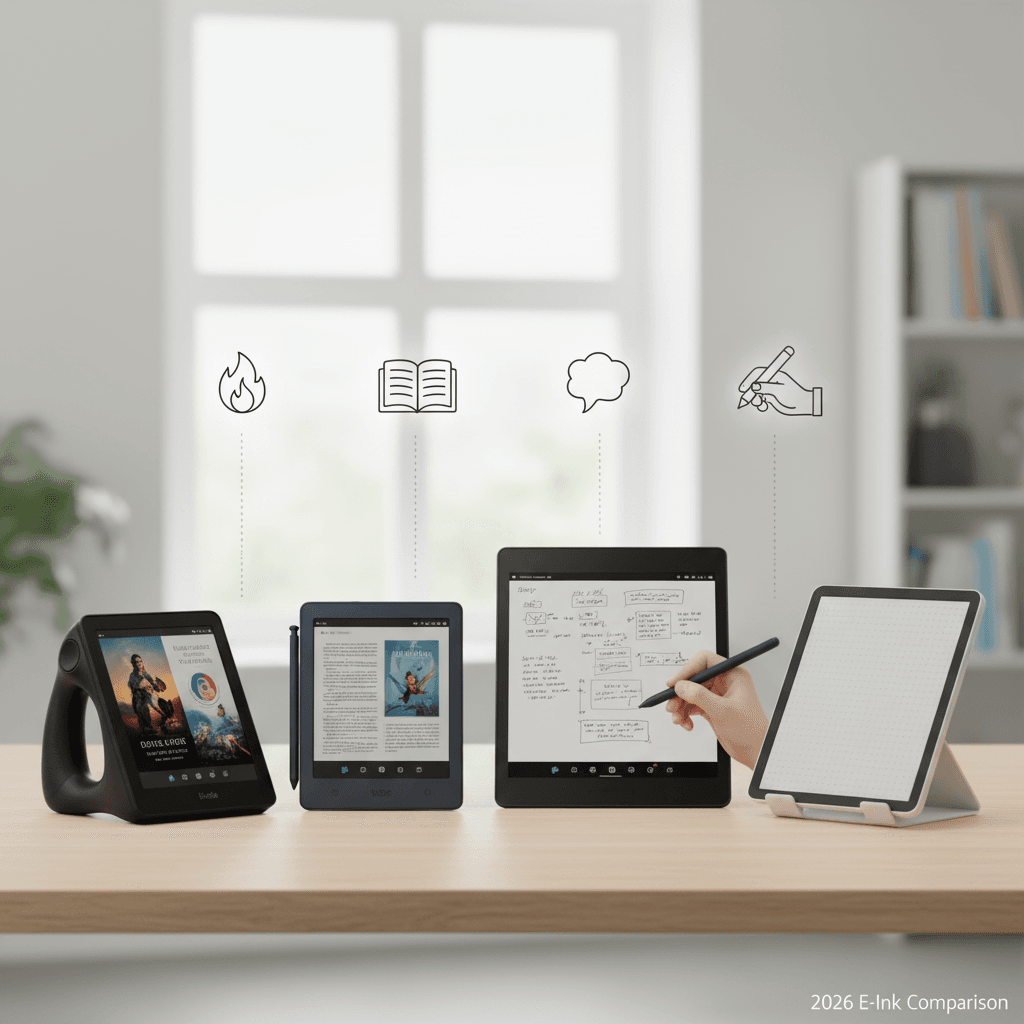
The e-ink tablet market has split into two clear categories: reading-focused devices (Kindle, Kobo) and writing/note-taking devices (reMarkable, Boox). Some try to do both. I tested one from each major brand for a month to figure out which ones justify their price — which ranges from $100 for a basic Kindle to $650 for a fully loaded reMarkable. If you’re choosing between an e-ink tablet and a regular tablet for productivity, our iPad Pro vs MacBook Air comparison covers the traditional side, and the best tablets for digital art guide handles stylus-heavy workflows.
Quick Verdict
| Device | Price | Screen | Best For | Ecosystem |
|---|---|---|---|---|
| Kindle Paperwhite Signature | ~$190 | 7″ 300ppi | Pure reading | Amazon (locked) |
| Kobo Libra Colour | ~$220 | 7″ color e-ink | Reading + library integration | Open (ePub, Overdrive) |
| Boox Tab Ultra C Pro | ~$530 | 10.3″ color e-ink | Reading + notes + apps | Android (open) |
| reMarkable 2 | ~$450 (+$100 stylus) | 10.3″ mono e-ink | Handwriting + document review | Proprietary (limited) |
The Reviews
Kindle Paperwhite Signature Edition — Still the Best Reader, Period
Price: ~$190 | Screen: 7″ 300ppi e-ink | Storage: 32GB | Battery: ~10 weeks
The Kindle Paperwhite has been the default e-reader recommendation for years, and the Signature Edition continues to earn it. The 7-inch screen is the sweet spot — large enough for comfortable reading, small enough to hold one-handed in bed. The 300ppi display is razor-sharp for text, the adjustable warm light reduces eye strain at night, and the battery lasts weeks, not hours. I charged it twice during my month of testing.
Amazon’s ecosystem is both the strength and the weakness. The Kindle store has the largest e-book selection, Whispersync keeps your reading position synced across devices, and X-Ray provides instant character and term definitions. But you’re locked in. Kindle uses Amazon’s proprietary format — sideloading ePub files requires conversion through Calibre or Amazon’s Send-to-Kindle service. If you borrow books from your public library through Overdrive/Libby, Kindle support exists but is limited to select libraries in select countries. Kobo does this better.
The Signature Edition adds wireless charging and auto-adjusting front light. Neither is essential — the base Paperwhite at $150 reads identically — but the wireless charging is convenient alongside a Qi charger you might already have on your nightstand.
The good: Best reading experience, massive book store, incredible battery life, sharp display, waterproof. The less good: Amazon lock-in, limited ePub support, no note-taking capability, no color, ad-supported unless you pay $20 extra.
Kobo Libra Colour — The Library Card’s Best Friend
Price: ~$220 | Screen: 7″ Kaleido 3 color e-ink | Storage: 32GB | Battery: ~6 weeks
If you borrow e-books from your public library, the Kobo Libra Colour is the obvious choice. Native Overdrive/Libby integration means you can borrow books directly from your library’s collection within the Kobo interface — no app switching, no conversion, no Amazon intermediary. You search, borrow, and read within the same device. For people who read 20+ books a year, library borrowing saves hundreds of dollars annually.
The color e-ink (Kaleido 3) is the headline feature and the biggest caveat. Colors are muted — think watercolor pastels rather than iPad vibrancy. For comic books and manga, the color adds meaningful value. For novel reading, you’ll barely notice it exists. The color layer also slightly reduces text sharpness compared to the Kindle’s monochrome display. Side by side, text on the Kindle is noticeably crisper. Individually, both are perfectly comfortable for extended reading.
Kobo’s ecosystem is open — it reads ePub natively, supports Pocket integration for saving web articles, and doesn’t pressure you toward a proprietary store. The Kobo store is smaller than Amazon’s but covers major publishers. Sideloading is drag-and-drop simple.
“Switched from Kindle to Kobo solely for library integration. I read 35 books last year and bought exactly 3 of them. The rest were library borrows. At $15/book average, the Kobo paid for itself in the first two months.” — u/library_maxxer, r/ereader
The good: Native library borrowing, ePub support, color e-ink, open ecosystem, physical page-turn buttons. The less good: Color is muted, text slightly less sharp than Kindle, smaller book store, battery shorter than Kindle.
Boox Tab Ultra C Pro — The Swiss Army Knife
Price: ~$530 | Screen: 10.3″ Kaleido 3 color e-ink | Storage: 128GB | Battery: ~4 weeks (reading), ~3 days (heavy use)
The Boox Tab Ultra C Pro runs Android 13, which means it can do everything. Kindle app for Amazon books. Libby for library books. OneNote or Google Keep for notes. A web browser. Email. Even YouTube if you’re patient enough to watch e-ink video refresh (you shouldn’t be). It’s an e-ink Android tablet that happens to be excellent at reading.
The 10.3-inch screen is large enough for PDF documents and technical papers without constant zooming — something the 7-inch Kindle and Kobo can’t do. The included stylus writes with low latency (about 25ms — faster than reMarkable 1 but slower than reMarkable 2) and the note-taking app is functional if not exceptional. For people who read academic papers, review contracts, or annotate technical documents, the large screen and pen input are genuinely useful.
The trade-off is complexity. The Boox UI is cluttered, with Android settings layered over Boox’s own settings layered over individual app settings. It took me 30 minutes of fiddling to optimize the display for comfortable reading — adjusting the e-ink refresh rate, tuning the contrast, and configuring individual app display modes. The Kindle takes 30 seconds. This is a device for people who want control and are willing to configure it.
At $530, it’s expensive. But if you need one device that reads books, annotates PDFs, takes handwritten notes, and runs Android apps on an eye-friendly e-ink screen, nothing else does it. The alternative is carrying both a Kindle and a reMarkable, which costs $640+ and takes two bag slots.
The good: Android flexibility, large screen for documents, stylus note-taking, runs any app, expandable storage. The less good: $530, cluttered UI, shorter battery with heavy use, e-ink lag in Android apps, learning curve.
reMarkable 2 — The Paper Replacement
Price: ~$450 (+ $100-130 for stylus) | Screen: 10.3″ mono e-ink | Storage: 8GB | Battery: ~2 weeks
The reMarkable 2 does two things: reading documents and handwriting notes. It doesn’t have a book store, doesn’t run apps, doesn’t browse the web, and doesn’t try to be a tablet. It’s a digital legal pad with the best writing feel of any e-ink device available.
The stylus experience is the selling point. The pen-on-screen latency is about 20ms — low enough that writing feels natural rather than delayed. The screen surface has a matte texture that creates friction similar to paper on pen. After a week, I stopped thinking of it as “writing on a screen” and started thinking of it as “writing.” It’s the closest any digital device has come to replicating paper.
For document review, it’s excellent. Upload PDFs via the companion app or email, annotate with the stylus, export annotated PDFs back to your computer. The workflow is clean and fast. For reading novels, it works but the 10.3-inch screen is unnecessarily large for a book, and the lack of a built-in bookstore means sideloading every book manually.
The subscription controversy: reMarkable introduced a $3/month “Connect” subscription for cloud sync, unlimited cloud storage, and screen sharing. Without it, the device still works but local storage only with manual file transfer. This rubbed the community the wrong way — paying $450+ for hardware and then being asked for a subscription to use basic features feels extractive. The functionality you lose without Connect is significant enough that most users will feel pressured to subscribe.
“The reMarkable is the best note-taking device I’ve ever used and the worst reader I’ve ever owned. Know which one you need before you buy.” — u/pen_over_pixels, r/RemarkableTablet
The good: Best writing feel, beautiful industrial design, distraction-free, excellent PDF annotation. The less good: $450 + $100 stylus + $3/month subscription, no app store, no book store, limited ecosystem, 8GB storage.
The Decision Framework
You mostly read books: Kindle Paperwhite Signature ($190) if you buy from Amazon, Kobo Libra Colour ($220) if you borrow from the library. Both are excellent; the deciding factor is your book source.
You read and take notes: Boox Tab Ultra C Pro ($530). The only device that does both well in one package. Accept the complexity tax for the flexibility.
You mostly take handwritten notes: reMarkable 2 ($550 with stylus). Nothing matches the writing feel. Accept the ecosystem limitations and subscription model.
You’re not sure: Start with a Kindle Paperwhite ($150 base model). It’s the cheapest entry point with the best reading experience. If you discover you need note-taking, upgrade later — the Kindle will remain useful as a dedicated reader.
FAQ
For novels and text-heavy reading: no. The color layer slightly reduces text sharpness and adds $30-70 to the price. For comics, manga, children’s books, and highlighted/annotated documents: yes, the color adds meaningful value. If 80%+ of your reading is novels, save the money and get monochrome.
Can I read in direct sunlight on e-ink?
Yes — this is e-ink’s primary advantage over LCD/OLED screens. E-ink is reflective (like paper) rather than emissive (like a phone screen), so it’s perfectly readable in direct sunlight with zero glare. It’s the only screen technology that gets easier to read in bright light.
How long do e-ink batteries really last?
For reading-only devices (Kindle, Kobo): 4-10 weeks with Wi-Fi off, reading 1-2 hours/day. For note-taking devices (Boox, reMarkable): 1-4 weeks depending on usage intensity. Heavy stylus use and Android app usage on the Boox drain battery significantly faster than passive reading.
Can e-ink tablets replace an iPad for students?
For reading textbooks and taking handwritten notes on documents: the Boox or reMarkable can handle most of this. For anything that requires a responsive touch interface, web browsing, multimedia, or specific apps: no. E-ink’s refresh rate (1-2fps for full refresh) makes it unsuitable for anything interactive. Our college tech kit guide helps students pick the right device mix.
More at WU120 Best Picks.