I read about 50 books a year, which means I’ve spent more time staring at e-ink screens than most people spend staring at their phones. My nightstand has hosted every major e-reader generation since the Kindle 3 Keyboard in 2010. I’ve watched this market evolve from “can it display text?” to devices that handle comics, PDFs, note-taking, and even run Android apps. The competition has never been better, and the “just buy a Kindle” advice that dominated the last decade is no longer automatically correct.
I’ve been rotating between five e-readers for the past four months — reading fiction, technical books, PDFs, manga, and news articles on each — to find out which one deserves your nightstand in 2026.
Contents
Quick Verdict: 5 Best E-Readers
| Rank | E-Reader | Price | Screen | Best For | Rating |
|---|---|---|---|---|---|
| 1 | Kindle Paperwhite Signature (2025) | ~$189 | 7″ 300ppi | Most readers, best ecosystem | 9.2/10 |
| 2 | Kobo Libra Colour | ~$219 | 7″ color e-ink | Library/OverDrive users, comics | 8.9/10 |
| 3 | Boox Tab Mini C | ~$249 | 7.8″ color e-ink | PDF readers, Android flexibility | 8.5/10 |
| 4 | Kindle Scribe (2nd gen) | ~$339 | 10.2″ 300ppi | Note-takers, PDF annotation | 8.3/10 |
| 5 | Kobo Clara BW | ~$129 | 6″ 300ppi | Budget pick, pure reading | 8.0/10 |
Kindle Paperwhite Signature (~$189) — Still the Default
“I’ve tried Kobo, Boox, and even a reMarkable. I keep coming back to Kindle. The integration with Amazon’s store, Whispersync, and the reading experience are just unmatched for pure book reading.” — r/kindle
The Paperwhite Signature remains the best e-reader for people who primarily read books. The 7-inch, 300ppi display is crisp enough that text looks printed. The warm light adjustment lets you shift from cool white during the day to amber at night — easier on the eyes for bedtime reading than any phone or tablet screen. Battery life is measured in weeks, not hours. I charged it roughly every three weeks with an hour of daily reading.
Amazon’s ecosystem is the real moat. The Kindle Store has the largest selection of ebooks. Whispersync remembers your position across devices (read on Kindle at night, continue on your phone during lunch). X-Ray lets you tap any character’s name to see a summary of who they are and every mention in the book — invaluable for complex novels. Send-to-Kindle lets you email documents and articles for distraction-free reading.
The Signature edition adds wireless charging, auto-adjusting light sensor, and 32GB storage (vs 16GB base). The auto-light is worth the $50 premium alone — the reader adjusts brightness seamlessly as room lighting changes. No more manually sliding brightness at sunset.
The honest downside: Amazon lock-in. Your Kindle library is tied to Amazon’s DRM. If you switch to Kobo or Boox someday, your purchased books don’t come with you. Library books via Libby work, but the integration is clunkier than Kobo’s native OverDrive support. And Amazon shows “recommended for you” ads on the lock screen unless you pay extra ($20) to remove them.
Kobo Libra Colour (~$219) — The Library Lover’s Champion
“I switched from Kindle to Kobo specifically for OverDrive integration. Borrowing library ebooks is built right in — no Libby app, no USB transfer. Browse your library’s catalog, borrow, done.” — r/kobo
If you borrow ebooks from your public library — and in 2026, every major library system offers digital lending — the Kobo Libra Colour makes it frictionless. OverDrive/Libby integration is built into the device. Browse your library’s catalog, borrow a book, and it downloads directly. On Kindle, this requires the Libby app on your phone, then sending to Kindle, then waiting. Kobo removes three steps.
The Kaleido 3 color e-ink display is the Libra Colour’s headline feature. For regular books, it displays in grayscale (same 300ppi quality as Kindle). For comics, manga, magazines, and children’s books, it displays in color. The colors aren’t iPad-vibrant — they’re muted and pastel-ish, more like a color newspaper than a backlit screen. But for reading comics like Saga or Spy x Family, it’s a massive improvement over grayscale.
The physical page-turn buttons on the side are excellent. After four months, I prefer them to Kindle’s touchscreen-only page turns. Tactile feedback matters during one-handed reading in bed. The asymmetric design (thick side for grip, thin side for display) makes one-handed holding natural for hours.
The honest downside: Kobo’s store has a smaller selection than Amazon’s, particularly for indie and self-published titles. If you read primarily from the Kobo Store, you’ll occasionally find a book that’s on Kindle but not Kobo. The color display adds slight visual noise (a faint grid pattern) in grayscale mode that purists notice. And at $219, it’s $30 more than the Kindle Paperwhite Signature for a smaller 7-inch screen.
Boox Tab Mini C (~$249) — The Swiss Army Knife
“Boox is not the best e-reader. It’s the best e-ink device. There’s a difference. I run Kindle app, Kobo app, Libby, Pocket, and a web browser. One device, every ecosystem.” — r/eink
The Boox Tab Mini C runs Android 12, which means it runs any app from the Google Play Store. Kindle app. Kobo app. Libby. Pocket. Instapaper. Feedly. Even a web browser. You’re not locked into any single bookstore — buy from Amazon, borrow from Libby, read articles from Pocket, all on one device.
The 7.8-inch color e-ink display (Kaleido 3) is the largest in this size class. For technical books, PDFs, and academic papers — common in the developer workflows I’ve written about — the extra screen real estate makes a real difference. You can read O’Reilly technical books without constant zooming and panning.
The stylus support (optional) turns it into a basic note-taking device. Not reMarkable-quality, but functional for annotating PDFs, marking up ebooks, and sketching quick notes. For someone who wants one e-ink device for reading AND light note-taking, Boox is the only option that does both.
The honest downside: The Android software experience is rough. The UI is functional but not polished — menus are confusing, settings are buried, and the e-ink refresh rate makes Android feel sluggish (because it is — e-ink inherently refreshes slower than LCD). Page turns in the Kindle and Kobo apps have noticeable delay compared to native hardware. And at $249, you’re paying a premium for flexibility that many readers never use. If you just want to read books, the Kindle or Kobo native experience is smoother.
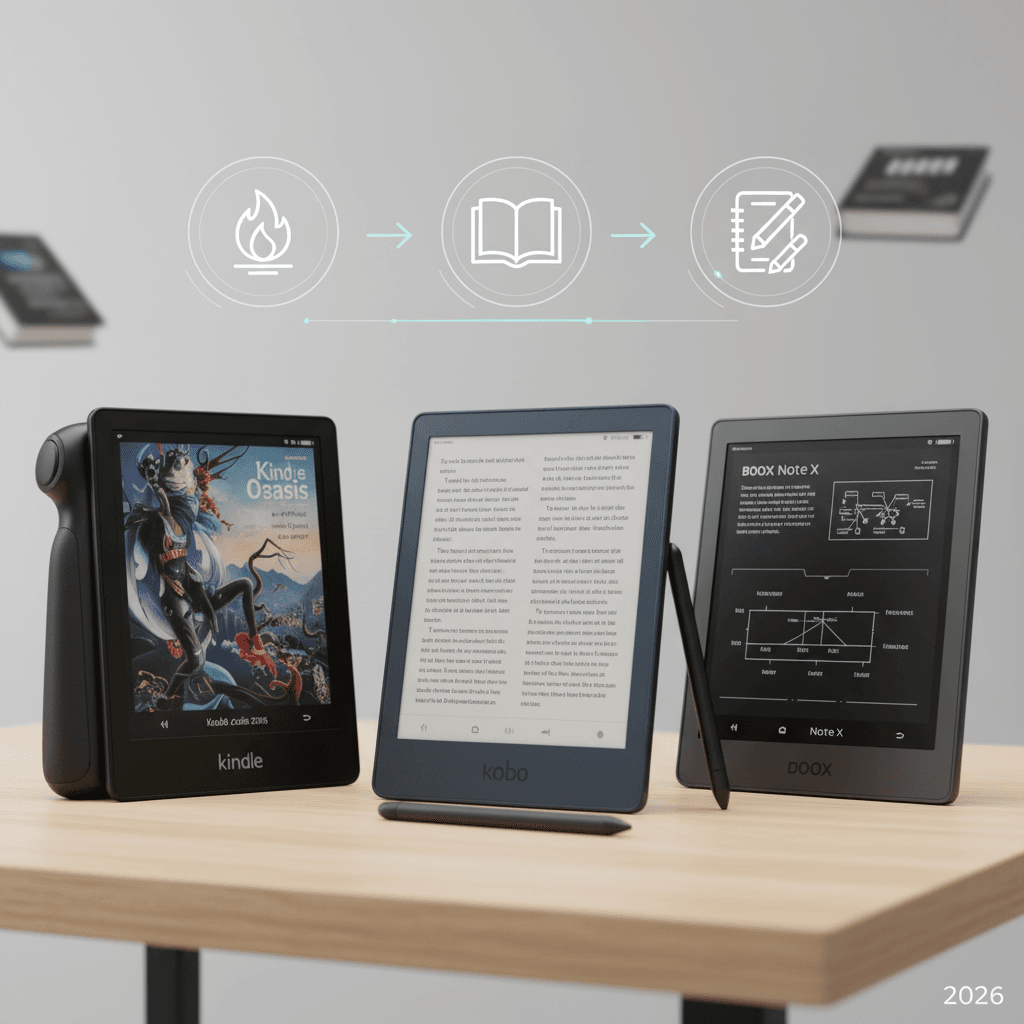
Kindle vs Kobo vs Boox: The Decision Framework
- You read books from Amazon and want the easiest experience: Kindle Paperwhite Signature. The ecosystem and reading experience are unmatched for pure book consumption.
- You borrow from the library regularly: Kobo Libra Colour. Built-in OverDrive makes library lending seamless in a way Kindle can’t match.
- You read PDFs, technical docs, or want multi-store flexibility: Boox Tab Mini C. Android gives you every app, every store, and PDF handling that dedicated readers can’t match.
- You want to take handwritten notes on books: Kindle Scribe. The 10.2-inch screen with stylus is purpose-built for annotation.
- You want the cheapest good e-reader: Kobo Clara BW at $129. Pure reading, no frills, excellent display. Better than the base Kindle at the same price because it has physical buttons.
FAQ
Are e-readers actually better for your eyes than phones/tablets?
Yes, measurably. E-ink displays reflect ambient light like paper — they don’t emit blue light directly into your eyes like LCD/OLED screens. Studies show e-ink causes less eye strain, less sleep disruption when reading before bed, and less overall fatigue during extended reading sessions. If you read more than 30 minutes daily, an e-reader is a genuine health upgrade.
Can I read library books on a Kindle?
Yes, through the Libby app. Borrow on your phone via Libby, then send to your Kindle. It works but requires multiple steps. Kobo’s built-in OverDrive is smoother. Note: library availability depends on your local library’s digital collection — some libraries have extensive ebook catalogs, others are limited.
Is color e-ink good enough for comics and manga?
For manga (which is primarily black and white), e-ink is excellent — the contrast and resolution match printed volumes closely. For color comics, the current Kaleido 3 technology displays about 4,096 colors at roughly 100ppi in color mode. Colors are muted compared to an iPad, but readable and enjoyable. Think of it as reading a color newspaper rather than a glossy magazine. For most comic readers, it’s “good enough” rather than “great.”
How much storage do I need?
For text-only ebooks: 8GB holds roughly 6,000 books. You’ll never fill it. For comics, manga, and PDFs: 32GB is recommended. A single manga volume is 50-100MB, and a PDF textbook can be 20-50MB. At 32GB, you can carry hundreds of graphic novels or dozens of textbooks.
Should I buy a case for my e-reader?
Yes, if you carry it in a bag. E-ink screens are more fragile than phone screens — they crack under pressure rather than scratching. A basic flip case ($15-25) protects the screen and adds auto-sleep functionality (close the case, reader sleeps). Amazon and Kobo’s official cases are overpriced; third-party cases on Amazon for $12-18 work identically.