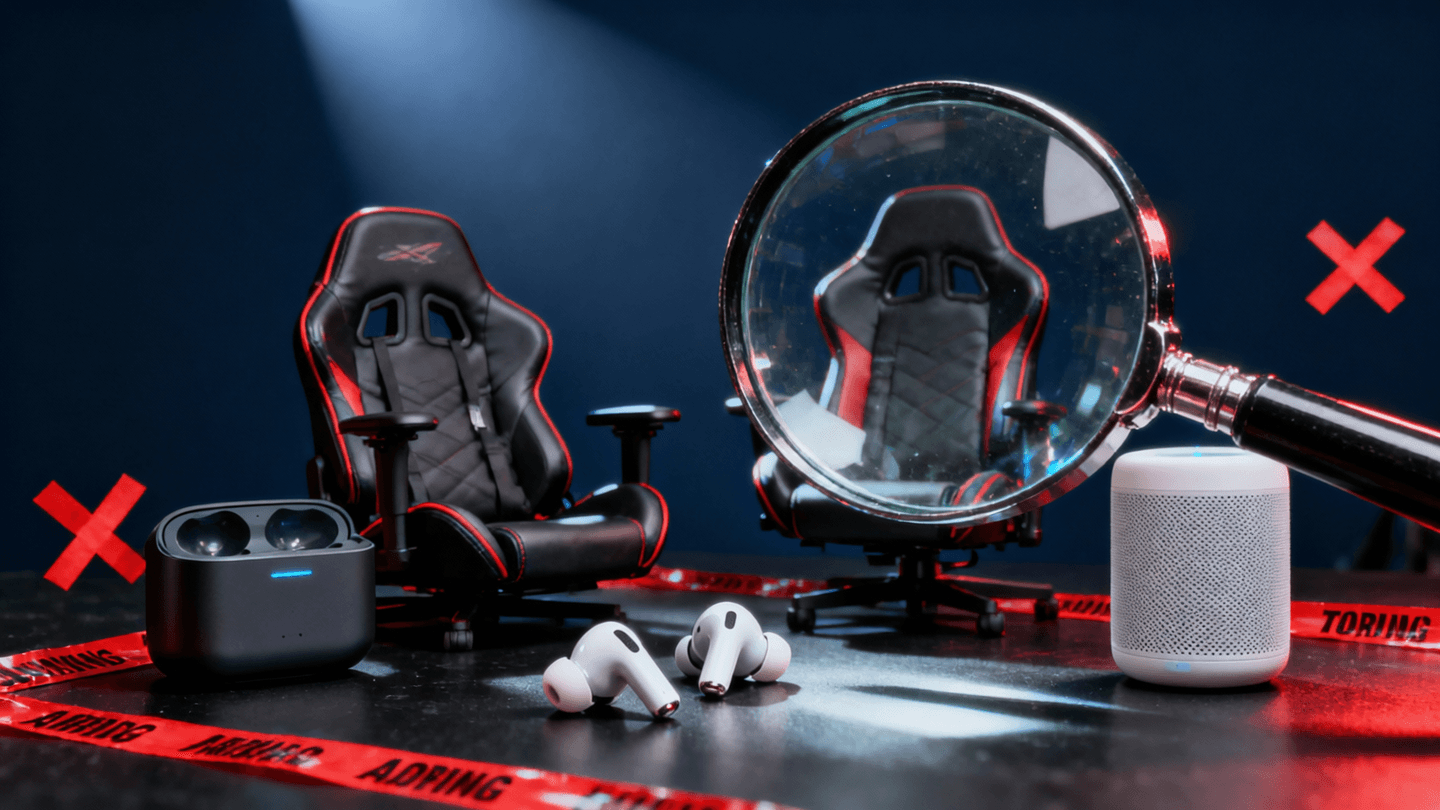
Every year, the tech industry floods the market with products wrapped in breathless marketing copy and influencer hype. And every year, real users take to Reddit to share the unglamorous truth: most of these products do not deliver on their promises. At WU120, we track community sentiment across dozens of subreddits, cross-reference it with hands-on testing, and call it like we see it. This is our 2026 reality check.
Below, we break down five categories of overhyped tech where marketing outpaced reality this year. If you are about to drop serious money on any of these, read this first.
Contents
- 1 1. AI-Powered Webcams with Auto-Tracking: A Solution Nobody Asked For
- 2 2. “Gaming” Chairs vs. Real Ergonomic Chairs: The Great Marketing Swindle
- 3 3. 8K Monitors for Productivity: Overkill That Actually Makes Things Worse
- 4 4. Smart Home Hubs Promising “Unified Control”: The Fragmentation Nightmare
- 5 5. Premium Bluetooth Earbuds with “Spatial Audio” as the Killer Feature
- 6 The Common Thread: Marketing Sells Features, Not Solutions
- 7 Frequently Asked Questions
- 8 Editorial Independence Note
1. AI-Powered Webcams with Auto-Tracking: A Solution Nobody Asked For
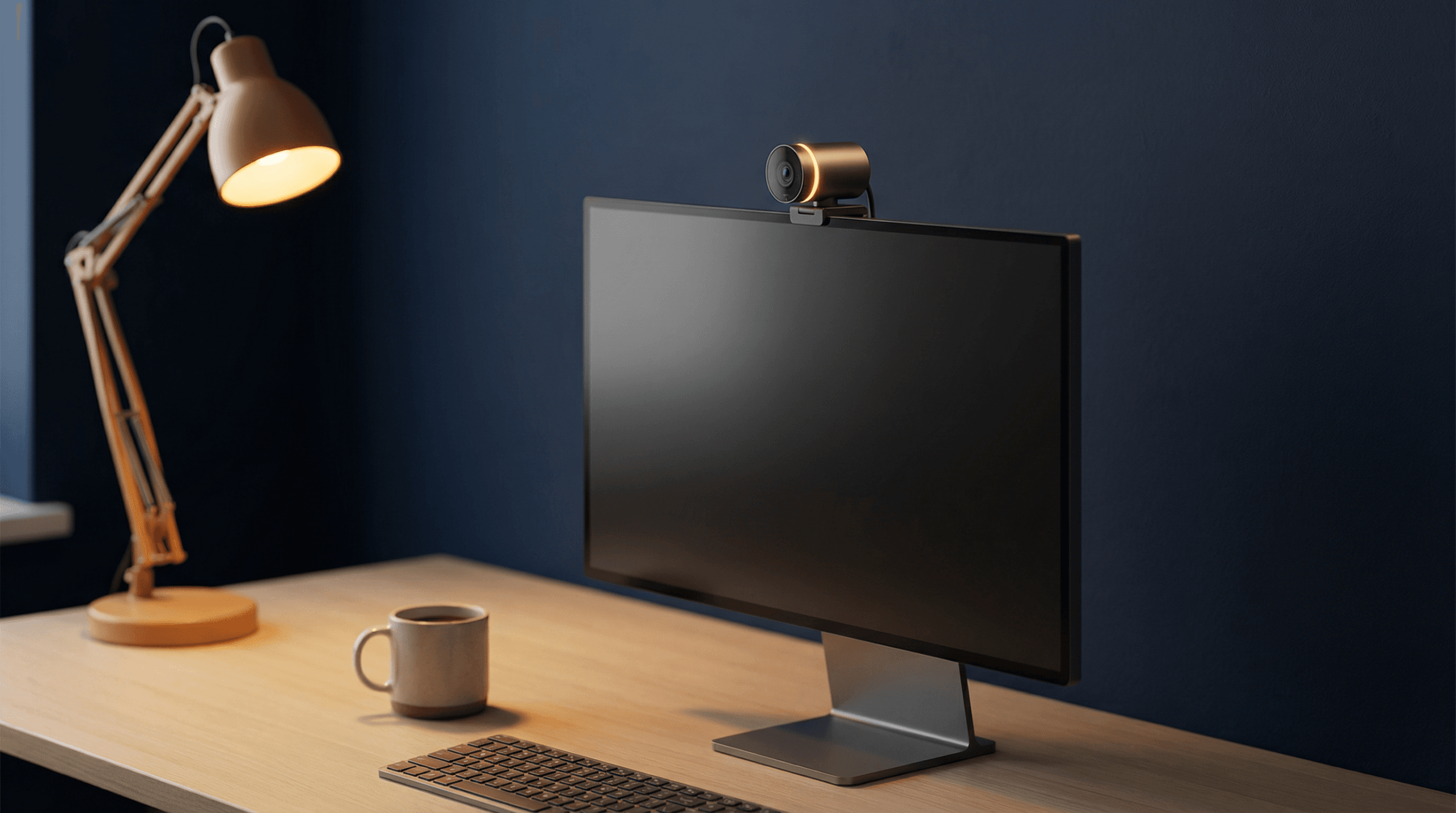
The pitch sounds incredible on paper. A webcam that uses onboard AI to track your face, keep you centered in the frame, and automatically adjust framing as you move around your desk. Brands like Insta360, Obsbot, and even Logitech have pushed hard into this space in 2026, pricing these cameras between $150 and $400.
The reality? Threads across r/WorkFromHome, r/remoteWork, and r/Zoom tell a consistent story: most users disable the auto-tracking feature within their first week of ownership.
“I bought the Obsbot Tiny 2 specifically for auto-tracking. Turned it off after three days. It kept jerking around every time I reached for my coffee. My coworkers said it was distracting on calls. Now it’s just an expensive fixed webcam.” — u/ on r/WorkFromHome
The core problem is not the AI itself. It is that the use case is fundamentally flawed for most remote workers. You are sitting at a desk. You are not pacing around a stage delivering a TED Talk. The auto-tracking creates unnecessary motion in your video feed, triggers subtle latency issues on lower-bandwidth connections, and in many cases makes you look less professional, not more.
There are legitimate use cases for auto-tracking webcams: content creators filming tutorials, teachers at whiteboards, and streamers who move around their setup. But for the vast majority of remote workers sitting in a home office, a well-positioned 1080p or 4K fixed webcam delivers a better experience for half the price.
If you are shopping for a webcam that actually matters for your daily calls, skip the AI gimmick and focus on sensor quality, low-light performance, and microphone clarity. We cover the best options in our best webcams for remote work in 2026 guide.
2. “Gaming” Chairs vs. Real Ergonomic Chairs: The Great Marketing Swindle
This is not a new debate, but it has reached a boiling point in 2026. Gaming chair brands continue to spend heavily on sponsorships, esports partnerships, and influencer deals. The result is that a significant number of buyers, especially younger professionals and developers setting up their first home offices, default to a $300-$500 gaming chair thinking it is the premium seating option.
It is not. And Reddit has been screaming about this for years.
“Switched from a SecretLab Titan to a used Steelcase Leap v2 I found for $350. The difference is night and day. My back pain is gone. Gaming chairs are cosplay furniture.” — u/ on r/battlestations
The fundamental issue is design philosophy. Gaming chairs are modeled after racing bucket seats, which are designed to hold you in place during high-G lateral forces in a car. That is the opposite of what you need for eight to ten hours of desk work. You need a chair that encourages micro-movements, supports your lumbar dynamically, and adapts to different sitting postures throughout the day.
Ergonomic office chairs from manufacturers like Steelcase, Herman Miller, and HAG are engineered around decades of ergonomic research. They are adjustable in ways that gaming chairs simply are not: seat depth, lumbar tension, back flex, tilt resistance, and armrest positioning in three or four dimensions.
The Price Myth
One of the most persistent misconceptions is that ergonomic office chairs are significantly more expensive. At retail, yes, a new Herman Miller Aeron costs around $1,400. But the used market is flooded with high-quality office chairs from corporate liquidations. Subreddits like r/OfficeChairs and r/BuyItForLife regularly document finds like Steelcase Leap v2 chairs for $200 to $400 in excellent condition.
Meanwhile, top-tier gaming chairs from SecretLab, Razer, and Corsair now push $500 to $700 at retail for models that will deteriorate significantly within two to three years.
If you are building or upgrading your workspace, start with the chair. We break down the full approach in our ultimate productivity desk setup for 2026 guide, where seating is priority number one.
3. 8K Monitors for Productivity: Overkill That Actually Makes Things Worse
The display industry needs something to sell after the 4K market matured, and 8K is that something. In 2026, we have seen several manufacturers, including Dell and Samsung, push 8K monitors into the productivity and creative professional space. The messaging implies that more pixels equals more productivity.
The community response has been overwhelmingly skeptical, and for good reason.
“Got the Dell UltraSharp 8K for coding. At native resolution the text is absurdly small on 32 inches. Scaled up, it looks the same as 4K but my GPU fans sound like a jet engine rendering my desktop. Returned it.” — u/ on r/monitors
The Scaling Problem
This is the core issue that marketing materials conveniently ignore. At 32 inches, an 8K resolution of 7680 x 4320 produces a pixel density so high that every operating system must apply heavy scaling to make UI elements usable. On Windows, you are typically running at 200% to 300% scaling, which means your effective screen real estate is comparable to a 4K or even a 1440p display. You are pushing eight times the pixels for roughly the same usable workspace.
The GPU Tax
Driving an 8K display is not trivial, even for desktop productivity. Your GPU has to render over 33 million pixels. Scrolling through code, moving windows, and running multiple applications all demand significantly more GPU power than the same tasks at 4K. Users on r/programming and r/buildapc report noticeable UI lag, higher power consumption, and increased fan noise for no perceptible visual improvement in their workflow.
For the vast majority of developers, designers, and knowledge workers, a high-quality 4K display at 27 to 32 inches remains the sweet spot. The pixel density is excellent, scaling works predictably, and your hardware is not working overtime to render your desktop environment. Check our detailed breakdown in the best monitors for coding in 2026 guide.
4. Smart Home Hubs Promising “Unified Control”: The Fragmentation Nightmare
Every year, at least one major player launches a smart home hub with the promise that it will finally unify your entire connected home under one interface. In 2026, the biggest offenders have been new hub devices from Amazon, Samsung SmartThings, and several startups riding the Matter protocol wave.
The promise: buy this one device, and it will seamlessly control your lights, locks, cameras, thermostats, speakers, and appliances regardless of brand. The reality: it does not.
“Bought the new Echo Hub thinking it would replace my phone for home control. Half my devices show as ‘unavailable’ randomly. My Aqara sensors take 10 seconds to report through the bridge. The ‘routines’ break every time Amazon pushes a firmware update. I went back to Home Assistant on a Pi.” — u/ on r/smarthome
Why Unified Control Remains a Fantasy
The smart home ecosystem in 2026 is built on a patchwork of protocols: Zigbee, Z-Wave, Wi-Fi, Thread, and Matter. While Matter was supposed to be the universal standard, adoption has been slow and inconsistent. Many manufacturers implement only a subset of the Matter specification, leading to devices that technically support the protocol but lack features when connected through a third-party hub.
The result is that these hubs work well with a narrow range of devices from their own ecosystem and deliver a degraded, unreliable experience with everything else. Users on r/homeautomation and r/smarthome consistently recommend one of two approaches:
- Go all-in on one ecosystem. If you commit to Apple HomeKit, Google Home, or Amazon Alexa end to end, the experience is significantly more reliable than mixing ecosystems through a hub.
- Run a local solution like Home Assistant. For technically inclined users, a self-hosted Home Assistant instance on a Raspberry Pi or mini PC provides genuinely unified control, but it requires setup and maintenance that these consumer hubs promise to eliminate.
The honest recommendation is this: if you are not willing to invest time in Home Assistant and you are not already deep in one ecosystem, the current generation of smart home hubs will likely frustrate you more than they help. The marketing is two to three years ahead of the actual interoperability.
Spatial audio has become the marquee feature in the premium earbud market for 2026. Sony, Apple, Samsung, and Bose are all positioning their flagship earbuds around spatial audio capabilities, and pricing reflects it. You are paying $250 to $350 for earbuds where spatial audio is front and center in every advertisement.
The problem is not that spatial audio does not work. It does, when conditions are right. The problem is that those conditions almost never exist in daily use.
“Spatial audio on the WF-1000XM6 is a cool demo for about five minutes. Then you realize 95% of the podcasts, YouTube videos, and Spotify tracks you listen to are stereo. It adds a weird hollow reverb to everything that isn’t mixed for it. I turned it off permanently.” — u/ on r/SonyHeadphones
The Content Gap
Spatial audio requires content that is specifically mixed or encoded for multi-channel playback. In 2026, the vast majority of audio content consumed through earbuds is standard stereo:
- Music: Apple Music and Tidal offer spatial audio tracks, but the catalog remains a fraction of their total library. Spotify’s spatial audio rollout has been slow and limited.
- Podcasts: Almost universally mono or stereo. No major podcast network is producing in spatial audio at scale.
- YouTube: Spatial audio support exists but is rarely implemented by creators outside of dedicated demo content.
- Video calls: Entirely irrelevant. Your Zoom calls are not benefiting from spatial audio processing.
When spatial audio processing is applied to standard stereo content, the result is often a processed, artificial sound that degrades the listening experience rather than enhancing it. Multiple threads on r/headphones and r/audiophile describe it as adding an unwanted “reverb” or “echo chamber” effect.
What Actually Matters in Earbuds
If you are spending $250 or more on earbuds, the features that will impact your daily experience are, in order of importance:
- Fit and comfort. If they fall out or cause fatigue after an hour, nothing else matters.
- Active noise cancellation quality. This is the feature that genuinely transforms daily use for commuters and office workers.
- Call microphone quality. Frequently overlooked in reviews but critical if you take calls on your earbuds.
- Battery life and charging convenience. Real-world battery under ANC matters more than spec-sheet claims.
- Sound tuning for your preferred genres. A flat, accurate profile or a warm bass-forward signature will impact enjoyment far more than spatial audio.
Spatial audio ranks well below all of these for the typical user. Do not let it be the reason you overpay. If you are evaluating Sony’s latest flagship and have concerns about the fit, we cover that in detail in our Sony WF-1000XM6 fit issues breakdown.
The Common Thread: Marketing Sells Features, Not Solutions
Across all five categories, the pattern is the same. Manufacturers identify a technically impressive capability, build a product around it, and market it as transformative. The capability is real. The transformation is not. Auto-tracking AI exists and works. Spatial audio processing is genuinely sophisticated. 8K panels are feats of engineering. But the gap between “this technology functions” and “this technology improves your daily life” is enormous, and that gap is where marketing lives.
The Reddit communities we monitor are valuable precisely because they capture the experience of real users weeks and months after purchase, long after the initial excitement has faded and the product has to justify its price through daily utility. That post-honeymoon feedback is consistently more useful than any launch-day review.
For a broader look at how we evaluate tools and technology through this lens, see our developer tech stack guide for 2026, where we apply the same principle: recommend what works, not what is new.
Frequently Asked Questions
Are AI-powered webcams worth it for anyone?
Yes, but only for specific use cases. If you are a content creator who films tutorials and moves around your workspace, a teacher working at a whiteboard, or a streamer with a dynamic setup, auto-tracking can be genuinely useful. For standard remote workers on video calls, a high-quality fixed webcam is a better investment. See our best webcams for remote work guide for specific recommendations.
Is spatial audio completely useless on earbuds?
Not completely. If you regularly watch Dolby Atmos films on your phone or tablet, or if you primarily listen to the subset of music available in spatial audio mixes on Apple Music, you may get genuine value from it. The issue is that it is marketed as a universal improvement when it only enhances a narrow slice of content. For most users, it is a nice-to-have that sits permanently disabled, not a feature worth paying a premium for.
What should I actually prioritize when building a home office setup in 2026?
Based on consistent community feedback and our own testing, prioritize in this order: a proper ergonomic chair, a quality monitor at 4K resolution and 27 inches or larger, a reliable webcam with good low-light performance, a mechanical keyboard that suits your typing style, and a stable internet connection. Everything else is secondary. We lay out the full framework in our ultimate productivity desk setup guide.
Is the Matter smart home protocol going to fix the fragmentation problem?
Eventually, probably. But not yet. Matter adoption in 2026 is real but uneven. Many devices support only a limited subset of the specification, and the experience of connecting cross-ecosystem devices through Matter-compatible hubs is still inconsistent. If unified smart home control is important to you today, the most reliable path remains either committing fully to one ecosystem or running a local Home Assistant setup. Check back in 2027 as the specification matures and manufacturer implementations catch up.
Editorial Independence Note
WU120 is independent and logic-driven. We do not accept payment from manufacturers for coverage or placement in our guides. Our recommendations are based on hands-on testing, community sentiment analysis across public forums, and long-term reliability data. When we link to products, we may earn a commission through affiliate partnerships, but this never influences our editorial judgment. If a product is overhyped, we will say so. That is the point of this series.