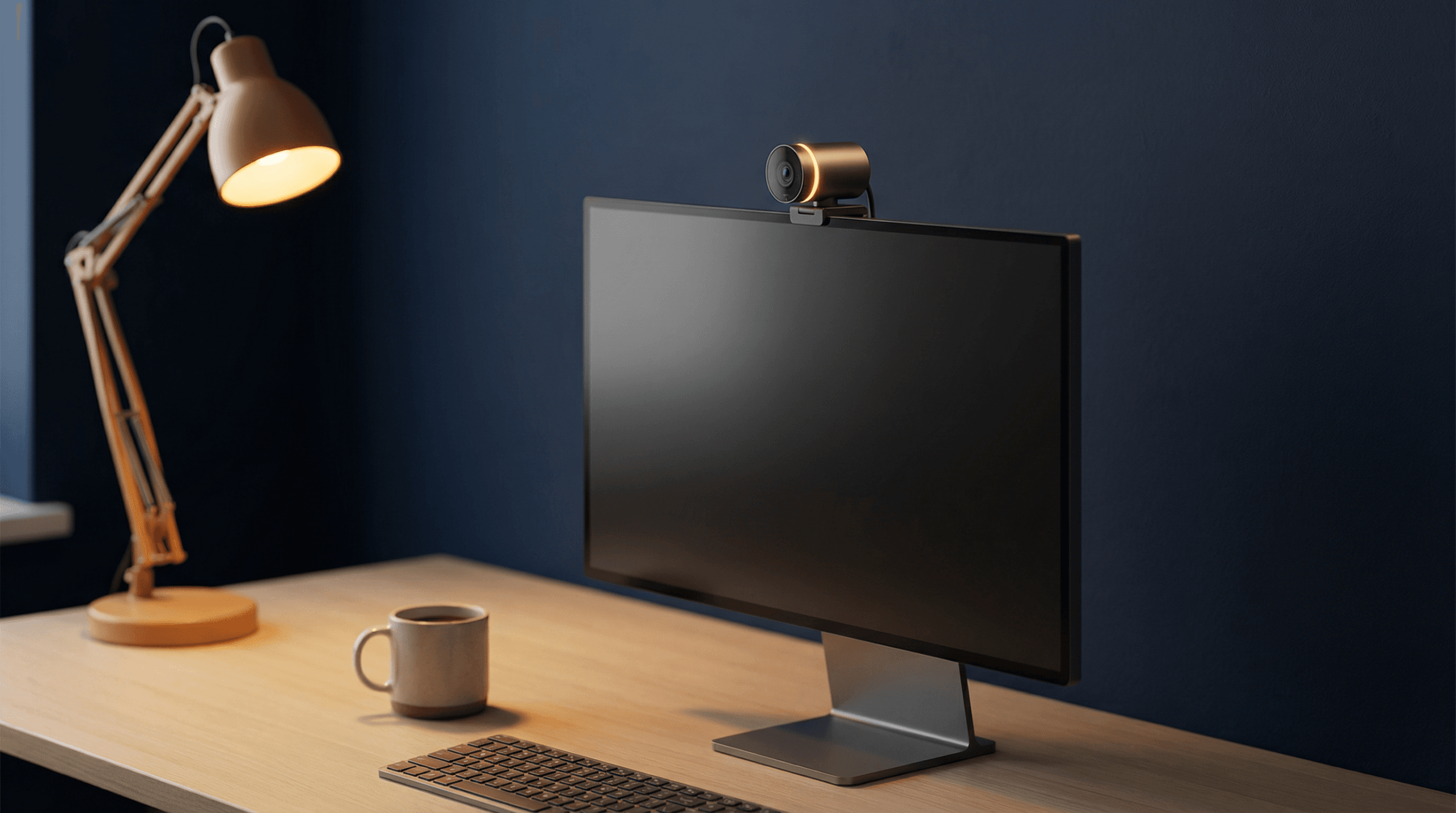
You just dropped $230 on a webcam that follows you around the room like a tiny surveillance drone. It felt futuristic for about six days. Now it sits on your monitor with AI tracking disabled, doing the exact same job as the $40 Logitech it replaced.
Sound familiar? If you spend any time on r/homeoffice, r/TechAsk, or r/workfromhome, you have seen this story play out dozens of times. The major review sites keep pushing premium AI-tracking webcams as their top picks. Meanwhile, the people who actually use these cameras eight hours a day tell a very different story.
We dug through hundreds of Reddit threads to find out what actually matters when buying a webcam for remote work in 2026. The answer might save you $150.
Contents
- 1 Quick Verdict: Best Webcams for Remote Work in 2026
- 2 The AI Tracking Reality Check: What Reddit Says After 6 Months
- 3 What Actually Matters: Image Quality in Bad Lighting
- 4 The Microphone Lie: Why You Always Need a Separate Mic
- 5 Webcam Mini-Reviews: Reddit Sentiment Breakdown
- 6 Best Webcam by Use Case
- 7 The Budget Power Setup: Webcam + Separate Mic
- 8 FAQ: Best Webcams for Remote Work in 2026
Quick Verdict: Best Webcams for Remote Work in 2026
| Webcam | Price | Best For | Reddit Consensus |
|---|---|---|---|
| Logitech Brio 101 | ~$36 | Budget daily driver | “Still the king of cheap and reliable” |
| Logitech Brio 500 | ~$100 | Best overall for most people | Consistent praise for image quality |
| OBSBOT Meet 2 | ~$129 | Compact build + excellent AI | “The only webcam anyone complimented” |
| OBSBOT Tiny SE | ~$89 | Light AI tracking on a budget | Recommended alongside Brio as top pick |
| OBSBOT Tiny 3 | ~$230 | Content creators, standing desks | Mixed — great hardware, questionable value |
The AI Tracking Reality Check: What Reddit Says After 6 Months
AI-powered tracking and auto-framing are the headline features of 2025-2026 webcams. PCMag named the Obsbot Tiny 3 a top pick largely on tracking strength.
But here is what happens after the honeymoon period ends. One r/TechAsk user who owned an Obsbot Tiny 2 for six months:
“The tracking is cool for about a week then you turn it off. Just get a Brio and save $100.”
Why does the tracking lose its appeal?
- Most remote workers sit in one spot. The camera doesn’t need to follow you because you aren’t going anywhere.
- Tracking introduces micro-jitter. Constant tiny adjustments are distracting for the other person.
- Software auto-framing has caught up. Zoom, Teams, and Google Meet all have built-in face-centering now.
- It’s one more thing that can break. Gimbal motors wear out. A fixed camera has fewer failure modes.
The r/obs community captures the dilemma:
“I’m torn between a fancy AI tracking webcam like the Insta360 or OBSBOT and a classic reliable one like the Logitech. Is the AI stuff a gimmick?”
Based on hundreds of user reports, the honest answer for standard remote work: yes, it mostly is.
What Actually Matters: Image Quality in Bad Lighting
Reddit users converge on two things: low-light performance and auto-exposure speed. Most home offices don’t have studio lighting. In those conditions, the difference between a good sensor and a bad one is the difference between looking professional and looking like a witness in a true-crime documentary.
The Logitech Brio 500 handles mixed lighting well. The OBSBOT Meet 2 also performs admirably with a larger-than-average sensor. The Brio 101 is honest about what it is — clean, sharp 1080p in decent lighting.
The Microphone Lie: Why You Always Need a Separate Mic
Here is the dirty secret most webcam reviews gloss over:
Every webcam microphone is bad.
“All webcams have terrible microphones, some are better than others, but at the end of the day, webcam microphones are tiny and do not perform well.”
Webcam microphones pick up keyboard noise, room echo, and fan hum. They make your voice sound thin and distant. The fix is simple: buy a separate USB microphone or a headset with a decent boom mic. A $30-50 USB condenser mic will transform your call quality more than any webcam upgrade ever will.
Webcam Mini-Reviews: Reddit Sentiment Breakdown
Logitech Brio 101 (~$36) — Best Budget Pick
“Logitech Brio 101 ($36): Still the king of the ‘cheap and reliable’ hill.”
No fancy features. No AI tracking, no HDR, no 4K. Just a camera that produces a clean image, doesn’t crash, and doesn’t require companion software. Best for: Anyone who wants a no-fuss webcam paired with a separate mic.
Logitech Brio 500 (~$100) — Best Overall
“Can’t go wrong with the Logitech Brio line at 1080p.”
Better low-light performance, wider field of view, Show Mode, RightLight 4 auto-exposure. Physical privacy shutter. Best for: The majority of remote workers who want a reliable daily driver.
OBSBOT Meet 2 (~$129) — Best Image Quality Under $150
“The Meet 2 is the only one anyone has ever thought so much of they complimented my video quality.”
Larger sensor, AI-powered noise reduction, smart auto-framing. Notably compact form factor. Best for: Client-facing meetings where on-camera presence matters.
OBSBOT Tiny SE (~$89) — Budget AI Option
“Can’t go wrong with the Logitech Brio line at 1080p or OBSBOT Tiny SE — they are my top picks.”
Mechanical gimbal tracking at a lower price point. Good for standing-desk users. Best for: Anyone who actually moves during calls.
4K resolution, fast gimbal, excellent low-light sensor. But for $230, remote workers keep asking whether they’re paying for features they’ll actually use. Best for: Content creators and online educators. Not the best value for standard Zoom calls.
Best Webcam by Use Case
For Daily Zoom and Teams Calls
Pick: Logitech Brio 500 ($100) — Reliable, good image quality, no unnecessary features.
For Streaming and Content Creation
Pick: OBSBOT Tiny 3 ($230) — This is where the 4K sensor and gimbal tracking earn their keep.
For Tight Budgets
Pick: Logitech Brio 101 ($36) — Pair it with a $40 USB mic and you’ll look and sound better than someone with a $200 webcam using its built-in microphone.
For Client-Facing Roles
Pick: OBSBOT Meet 2 ($129) — The image quality is noticeable enough that clients may actually comment.
For Standing Desk Users
Pick: OBSBOT Tiny SE ($89) — The one scenario where AI tracking genuinely helps.
The Budget Power Setup: Webcam + Separate Mic
Spend less on your webcam and redirect that money to audio.
- Logitech Brio 101 — $36
- FIFINE K669 USB Microphone — $30-40
- Total: ~$70-76
Compare that to a $230 Obsbot Tiny 3 with its built-in mic, and the budget setup wins on audio quality while delivering perfectly professional video.
For a complete guide, check out our Ultimate Productive Desk Setup in 2026 guide.
FAQ: Best Webcams for Remote Work in 2026
Is AI tracking worth it on a webcam?
For most remote workers, no. Reddit users consistently report the novelty wears off in a week. The exception: standing desk users, educators, and content creators.
What is the best cheap webcam for remote work?
The Logitech Brio 101 at ~$36 remains the consensus budget champion across Reddit.
Do I need a 4K webcam for Zoom?
No. Zoom, Teams, and Google Meet compress video significantly. Most calls max out at 1080p.
Why does my webcam microphone sound bad?
Because all webcam microphones are bad. They are tiny and positioned far from your mouth. Invest $30-50 in a separate USB microphone.
Logitech Brio 500 vs OBSBOT Meet 2 — which should I buy?
The Brio 500 ($100) is the safer, more versatile choice. The OBSBOT Meet 2 ($129) edges ahead on raw image quality. If looking your best on camera matters for your role, the Meet 2 is worth the extra $29.
What other gear do I need for a good remote work setup?
A webcam is just one piece. See our Ultimate Productive Desk Setup in 2026 for the full picture.
Last updated: March 2026. WU120 Tech Insights is editorially independent. We research community forums, user feedback, and spec sheets — not press kits.