Every few weeks, the same thread appears on r/programming, r/webdev, or r/battlestations: “What monitor should I buy for coding?” After combing through hundreds of these threads — plus specialized communities like r/ADHD_Programmers and r/ultrawidemasterrace — we distilled the data into this guide.
Contents
Quick Verdict: Best Monitors for Coding in 2026
| Monitor | Size / Resolution | Best For | Est. Price |
|---|---|---|---|
| Dell S2722QC | 27″ 4K, 60Hz | Budget-friendly sharp text | ~$300 |
| LG 27GP950-B | 27″ 4K, 144Hz | Coding + gaming sweet spot | ~$500 |
| Dell S2725QS (x2) | 27″ 4K, 60Hz (dual) | Eye-strain-conscious devs | ~$560 |
| LG 40WP95C-W | 40″ 5K2K Ultrawide | Ultrawide purists | ~$1,300 |
| ASUS ProArt PA32QCV | 32″ 6K, IPS | Premium no-compromise | ~$2,000 |
| Dell U3223QE | 32″ 4K, IPS Black, USB-C | All-around workhorse | ~$600 |
If you are still choosing the right laptop to plug these into, our best laptops for programming in 2026 guide covers that side.
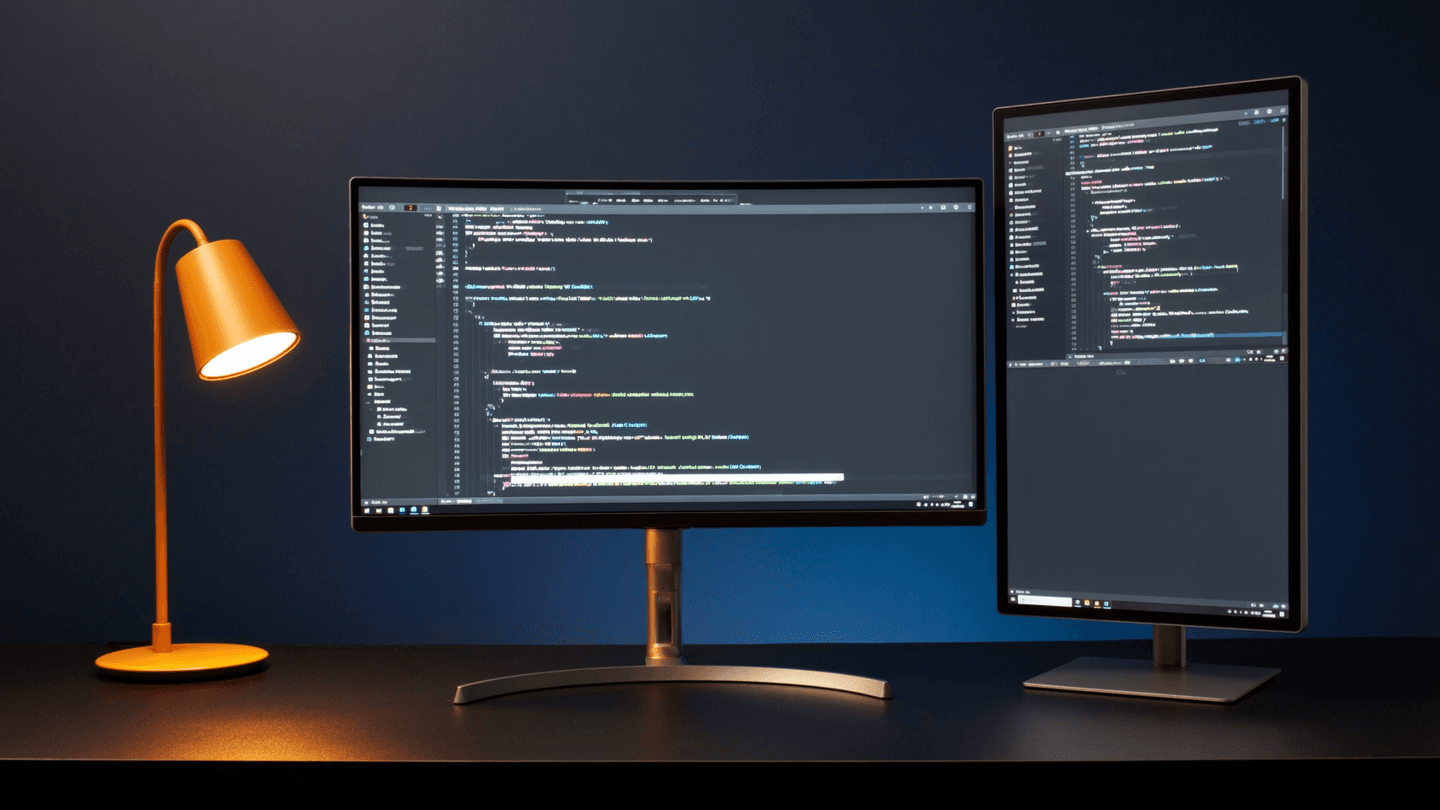
Ultrawide vs Dual Monitors: The Reddit Verdict
The Case for Ultrawide
1. No bezel gap. A single 34″ or 40″ ultrawide gives you a seamless canvas.
“The bezel in a dual setup always ends up right where I need to read.”
2. Cleaner desk, fewer cables. One power cable, one DisplayPort or USB-C connection. Developers who care about desk aesthetics — as we covered in our ultimate productivity desk setup guide — consistently favor ultrawides.
3. Better window tiling. With a 5K2K ultrawide, you get roughly the equivalent of two 27″ monitors side by side at high resolution.
The Case for Dual Monitors
1. Flexibility. You can angle each screen independently, go portrait + landscape, or disconnect one to focus.
2. Failure isolation. If one monitor dies, you still have the other.
3. Cost efficiency. Two quality 27″ 4K monitors often cost less than a single premium ultrawide while delivering more total pixels.
What Reddit Actually Chooses
Based on flair polls and upvote patterns, the split runs roughly 55/45 in favor of dual monitors. But the trend line is shifting toward ultrawides as panel quality improves and prices drop.
Eye Strain: The #1 Concern Developers Won’t Shut Up About (Rightfully)
“I initially bought a 27 inch 1440p monitor, but for some reason it gave me massive eye strain. I returned that and got 2x Dell S2725QS monitors.”
Why 1440p Can Cause Eye Strain at 27 Inches
At 27 inches, a 1440p panel delivers roughly 109 PPI. Compare that to 27″ 4K at 163 PPI. The lower pixel density means text edges are slightly fuzzy, and your eyes constantly micro-focus to compensate.
This is why the Reddit consensus has crystallized: at 27 inches, you need 4K. No exceptions.
Practical Steps to Reduce Eye Strain
- IPS or IPS Black panels — VA panels can have color shift at off-angles
- Hardware low-blue-light modes
- Matte coatings over glossy
- Bias lighting — LED strip behind your monitor
- The 20-20-20 rule — Every 20 minutes, look at something 20 feet away for 20 seconds
The 32″ vs 27″ 4K Debate
27″ 4K (~163 PPI)
Text is razor-sharp. Most Redditors who choose 27″ 4K run two of them side by side or pair one with a laptop screen.
32″ 4K (~138 PPI)
You can fit more code on screen — often two full files side by side in your IDE — without needing a second monitor.
The Reddit consensus: if you want a single-monitor setup without going ultrawide, 32″ 4K is the move. If building a dual setup, 27″ 4K gives better density.
Individual Monitor Recommendations
Dell S2725QS — Best Budget Pick
27″ | 4K | IPS | 60Hz | USB-C | ~$280
The monitor that keeps appearing in “what did you actually buy?” threads. Sharp 4K at 27 inches, decent factory calibration, thin bezels for dual configurations.
LG 27GP950-B — Best Coding + Gaming Hybrid
27″ | 4K | Nano IPS | 144Hz | HDMI 2.1 | ~$500
The Reddit-favorite “one monitor that does everything.” 144Hz scrolling makes navigating long files noticeably smoother.
LG 40WP95C-W — Best Ultrawide for Coding
40″ | 5K2K | IPS | 72Hz | Thunderbolt 4 | ~$1,300
True Retina-grade pixel density across a 40-inch surface. One cable to your MacBook for video, data, and 96W charging.
32″ | 6K | IPS | 60Hz | Thunderbolt 4 | ~$2,000
A staggering ~215 PPI — approaching laptop Retina density on a desktop panel.
Dell U3223QE — Best All-Around Workhorse
32″ | 4K | IPS Black | 60Hz | USB-C (90W) | ~$600
Built-in KVM switch lets you toggle between work laptop and personal machine instantly.
Best Monitor by Use Case
| Use Case | Recommended | Why |
|---|---|---|
| Pure coding on a budget | Dell S2725QS (x2) | Sharp 4K text, dual setup under $600 |
| Coding + gaming | LG 27GP950-B | 144Hz 4K sweet spot |
| Single-monitor minimalist | Dell U3223QE | 32″ 4K with USB-C hub |
| Ultrawide maximalist | LG 40WP95C-W | 5K2K avoids 1440p trap |
| Developer + designer | ASUS ProArt PA32QCV | 6K, pro-grade color |
| Eye strain priority | Dell S2725QS or U3223QE | High PPI + matte + low blue light |
Frequently Asked Questions
Is 1440p good enough for coding?
At 24 inches, workable. At 27 inches, most Reddit developers say no. The price gap has narrowed to under $100, making 4K the default recommendation for 2026.
Do I need high refresh rate for coding?
You do not need it, but 120Hz+ scrolling is noticeably smoother. 60Hz is perfectly functional — 144Hz is a nice-to-have.
Curved or flat for programming?
Flat for dual setups. For a single ultrawide, a gentle curve helps keep screen edges equidistant from your eyes.
What about OLED for coding?
Two concerns persist: burn-in risk from static UI elements and limited selection. Most Reddit developers treat OLED as “wait and see” for primary coding displays.
Should I buy a monitor arm?
Reddit’s answer is an almost universal yes. The Ergotron LX appears in nearly every desk-setup thread.
Bottom Line
If forced to give one answer based on Reddit consensus: a 27-inch 4K IPS panel at 144Hz, preferably two of them. Sharp text, smooth scrolling, and enough gaming capability to justify the spend.
Your eyes are your most important dev tool. Invest in them accordingly.