Buying a docking station should be simple. Plug in one cable, get power, displays, and ports. But scroll through r/mac, r/UsbCHardware, or r/thinkpad and you will find horror stories. We cut through the noise to answer: which docking station actually works in 2026?
Contents
Quick Verdict: Top 5 Docking Stations for 2026
| Dock | Best For | Connection | Ports | Max Charging | Price |
|---|---|---|---|---|---|
| CalDigit TS4 | Overall best / Mac | Thunderbolt 4 | 18 | 98 W | $380 |
| CalDigit TS5 Plus | Future-proof / TB5 | Thunderbolt 5 | 15 | 140 W | $450 |
| Anker 568 | Multi-display budget | USB-C | 11 | 100 W | $230 |
| CalDigit TS3 Plus | Proven reliability | Thunderbolt 3 | 15 | 87 W | $250 |
| Sonnet Echo 13 | Compact TB5 | Thunderbolt 5 | 13 | 140 W | $400 |
Thunderbolt 4 vs Thunderbolt 5: A Plain-English Explainer
Thunderbolt 4
- Bandwidth: 40 Gbps total
- Display: Two 4K@60 Hz
- Charging: Up to 100 W
Thunderbolt 5
- Bandwidth: 80 Gbps baseline, up to 120 Gbps
- Display: Three 4K@144 Hz
- Charging: Up to 240 W
Dock Details
1. CalDigit TS4 — The Community Consensus Pick
“CalDigit TS3/4/5 are all good depending on your needs. Using TS3 Plus in our offices since 2020. TS5 Plus for personal use.”
The TS4 has held the top spot in Reddit recommendations for nearly three years. 18 ports including 2.5 GbE, three TB4 downstream ports, SD and microSD slots.
2. CalDigit TS5 Plus — The Thunderbolt 5 Frontrunner
140 W charging, three downstream TB5/USB4 ports. Reddit’s general advice: buy it if your laptop already has TB5; otherwise the TS4 saves you money.
3. Anker 568 — Best Value for Multi-Display
Dual HDMI output, 100 W passthrough charging, ~$150 less than the TS4. Uses DisplayLink for the second display.
4. CalDigit TS3 Plus — The Proven Workhorse
The dock IT departments buy in bulk. It just works.
5. Sonnet Echo 13 Thunderbolt 5 — Compact TB5 Alternative
Fewer ports but smaller footprint and competitive pricing. Pairs well with our ultimate productivity desk setup guide.
Compatibility Guide: Mac vs ThinkPad vs Framework
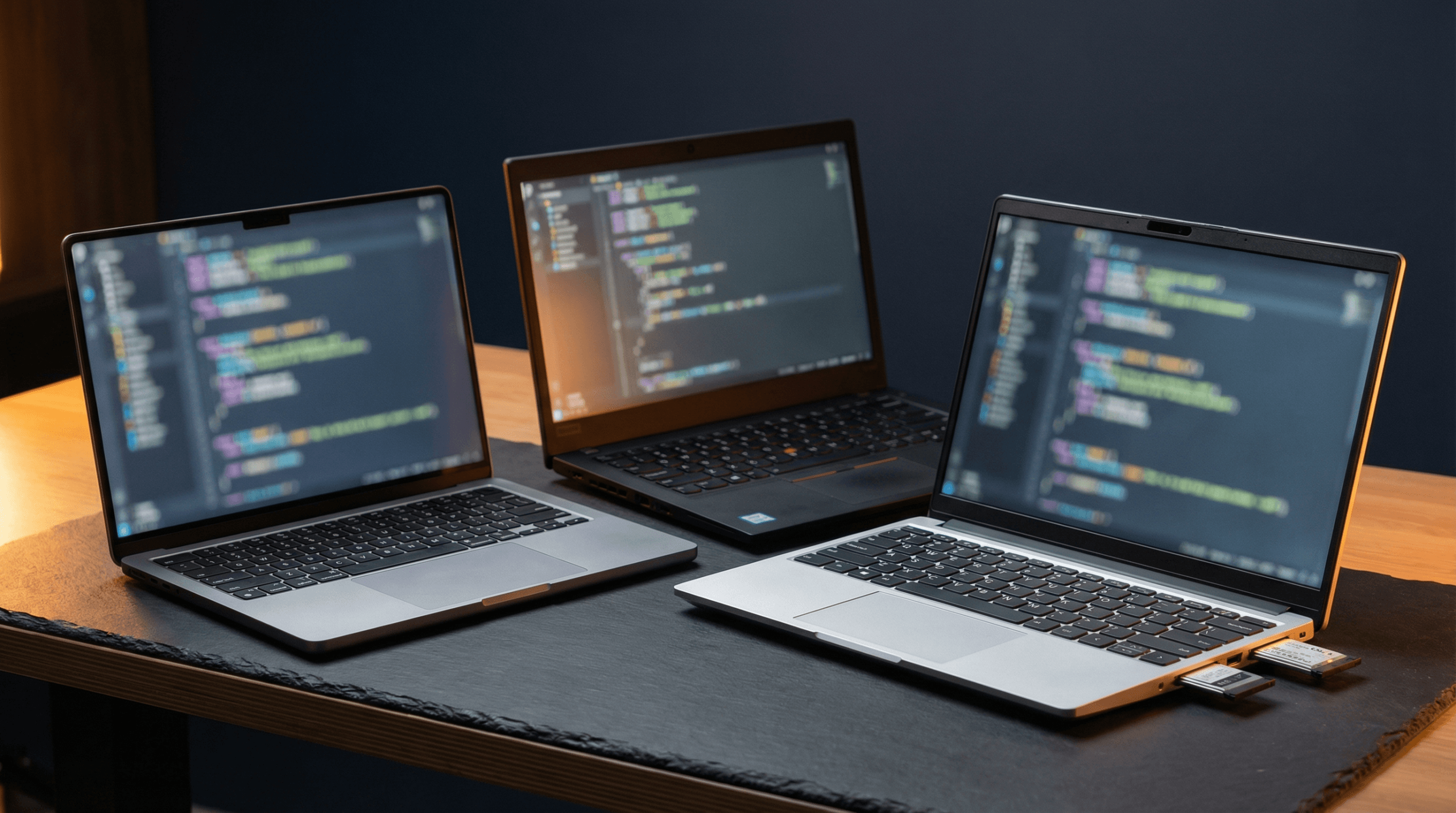
MacBook: Display limits are set by Apple, not the dock. MacBook Pro with M4 Pro/Max supports multiple displays natively.
ThinkPad: Most consistent Thunderbolt implementation on Windows. BIOS settings matter.
Framework: CalDigit TS4 works reliably with both models. Some AMD variants need re-plug after sleep.
Common Reddit Complaints (and Fixes)
“Second monitor not detected” — Confirm your laptop’s exact display output capabilities before buying.
“Charges slowly despite 100W rating” — Buy a dock rated 20-30 W above your laptop’s charger wattage.
“Random disconnections” — Thermal throttling is the usual culprit. Keep the dock ventilated.
“Ethernet drops” — Disable USB selective suspend in Windows power settings.
FAQ
Do I need Thunderbolt or is USB-C enough?
USB-C is sufficient for charging, one-two displays, and basic peripherals. Thunderbolt is needed for high-speed storage, daisy-chaining, or triple 4K.
For Thunderbolt users, Reddit overwhelmingly says yes. For USB-C-only setups, Anker offers better value.
The Bottom Line
The CalDigit TS4 remains the safest, most recommended option. If you have TB5, the TS5 Plus is the step up. On a budget, the Anker 568 delivers multi-display without the Thunderbolt tax.