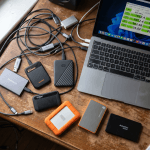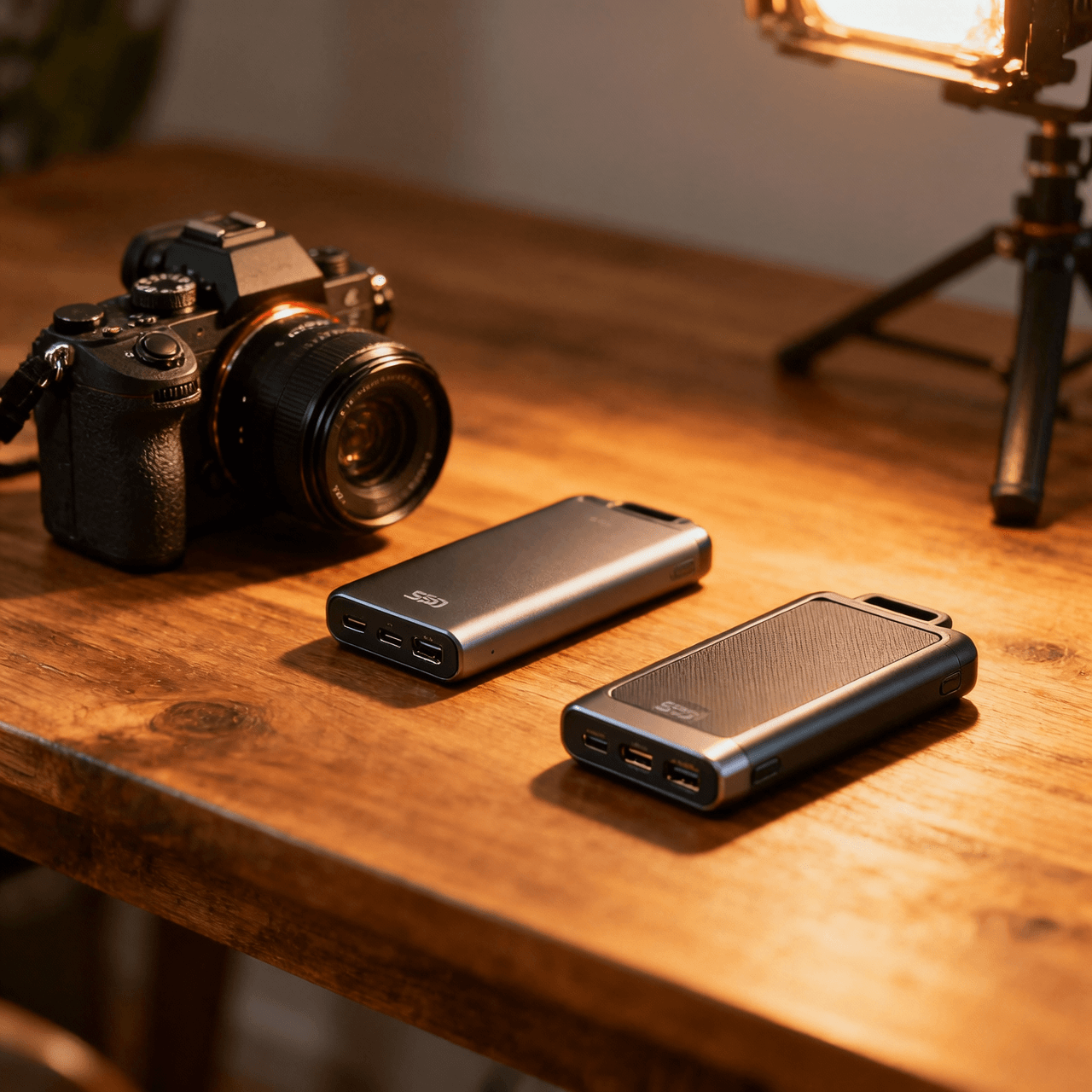
I lost a wedding video project in 2022. Not because of a hard drive failure — because my cheap external HDD was so slow that Premiere Pro’s auto-save couldn’t keep up with the cache files, and the whole project database corrupted during a crash. Three days of editing. Gone. The couple was understanding. I was not understanding with myself.
That experience turned me into someone who obsesses over storage. And after cycling through eleven external SSDs over the past two years — for video editing, photography backup, music production, and the general chaos of creative work — I can tell you that the differences between a good external SSD and a great one are not subtle when you’re working with large files daily.
If you’re building out a full creator workflow, I covered the broader kit in my content creator tech kit guide. This article goes deep on just the storage piece — because when you’re editing 4K ProRes footage or managing a 200GB Lightroom catalog, your external drive is either invisible (good) or a constant bottleneck (terrible).
On this page
- Quick Verdict: 6 Best External SSDs for Creators
- Samsung T9 2TB (~$199) — The Creator’s Workhorse
- SanDisk Extreme Pro V2 2TB (~$179) — For Field Work
- Crucial X10 Pro 2TB (~$159) — Best Value
- When USB Speed Actually Matters (and When It Doesn’t)
- The Cable Problem Nobody Warns You About
- My Recommendation by Workflow
- FAQ
Quick Verdict: 6 Best External SSDs for Creators
| Rank | SSD | Price | Speed | Best For | Rating |
|---|---|---|---|---|---|
| 1 | Samsung T9 2TB | ~$199 | 2,000 MB/s | Video editors, best overall | 9.4/10 |
| 2 | SanDisk Extreme Pro V2 2TB | ~$179 | 2,000 MB/s | Outdoor/field work | 9.1/10 |
| 3 | WD Black P40 1TB | ~$119 | 2,000 MB/s | Game library + editing | 8.7/10 |
| 4 | Crucial X10 Pro 2TB | ~$159 | 2,100 MB/s | Best value per TB | 8.5/10 |
| 5 | Samsung T7 Shield 2TB | ~$139 | 1,050 MB/s | Photographers, rugged use | 8.2/10 |
| 6 | Kingston XS1000 2TB | ~$109 | 1,050 MB/s | Budget backup drive | 7.8/10 |
Samsung T9 2TB (~$199) — The Creator’s Workhorse
What Reddit says:
“I edit 4K BRAW files directly off the T9. No dropped frames, no lag. It’s basically an internal drive that happens to be external.” — r/VideoEditing
The T9 is Samsung’s current flagship external SSD and it earns that title. The 2,000 MB/s sequential read speed isn’t just a spec-sheet number — it translates directly into being able to scrub through a 4K timeline without proxy files. I’ve been editing DaVinci Resolve projects directly off this drive for three months, and it performs identically to working off my internal NVMe. That’s the benchmark for an external drive: when you forget it’s external.
The USB 3.2 Gen 2×2 interface (20Gbps) is what makes these speeds possible, but here’s the catch — your computer needs a USB 3.2 Gen 2×2 port to hit the rated speeds. Most laptops from my MacBook vs ThinkPad comparison only have USB 3.2 Gen 2 (10Gbps), which caps you around 1,000 MB/s. Still fast, but you’re leaving performance on the table. Thunderbolt 4 ports handle it fine.
Build quality is aluminum with a rubber bumper. It’s survived two desk falls in my testing without issue. The drive runs warm under sustained writes but never throttled in my tests — even transferring 400GB of footage in one session.
The honest downside: At $199 for 2TB, it’s not cheap. And the Gen 2×2 port requirement means many users won’t hit max speed. If your laptop only has standard USB-C ports, the Crucial X10 Pro offers similar speeds for $40 less.
SanDisk Extreme Pro V2 2TB (~$179) — For Field Work
“Dropped mine in a river during a shoot. Dried it off, plugged it in, everything was fine. IP55 rating is real.” — r/videography
If you shoot on location — nature photography, documentary work, event coverage — the Extreme Pro V2 is the drive to get. The IP55 rating means it handles dust, water splashes, and the general abuse of being thrown into camera bags alongside lenses and bodies. The silicone shell absorbs impacts better than any aluminum-body drive, and the integrated loop means you can clip it to a bag.
Speed-wise it matches the Samsung T9 at 2,000 MB/s sequential. In real-world transfers from an SD card reader through a docking station, I averaged about 900 MB/s sustained (bottlenecked by the SD card, not the SSD). Direct laptop-to-drive transfers hit the full rated speed.
The honest downside: The silicone shell picks up lint and pocket debris like a magnet. After a month, it looks grubby no matter how careful you are. Purely cosmetic, but if you’re pulling this out in front of clients, the Samsung T9’s aluminum looks more professional.
Crucial X10 Pro 2TB (~$159) — Best Value
“The X10 Pro is the T9 at 80% of the price. Same speeds, slightly less premium build. Easy choice for anyone not brand-loyal.” — r/DataHoarder
Crucial has been the value pick in storage for years, and the X10 Pro continues that tradition. The 2,100 MB/s rated speed actually beats the Samsung on paper (and in benchmarks, by a hair). The aluminum enclosure is compact and well-built, if slightly less refined than Samsung’s industrial design.
For creators on a budget — and at $159 for 2TB, this is the sweet spot — the X10 Pro does everything the Samsung T9 does for $40 less. I used it as my primary DaVinci Resolve scratch disk for three weeks and couldn’t perceive any performance difference from the T9. The only areas where Samsung edges ahead are thermal management under extreme sustained loads and the warranty experience.
The honest downside: Gets noticeably hot during sustained writes (copying 500GB+). Didn’t throttle in my testing, but it’s uncomfortable to handle immediately after a big transfer. No rubber bumper means drops on hard floors are riskier.
When USB Speed Actually Matters (and When It Doesn’t)
Here’s what nobody in the SSD marketing departments wants you to understand: the speed difference between a 1,000 MB/s drive and a 2,000 MB/s drive only matters for two workflows:
- Editing video directly off the drive (no proxy files) — the drive needs to sustain read speeds above your footage bitrate
- Transferring massive files (100GB+) — where the speed difference means minutes saved per transfer
For photography (even 50MP RAW files), music production, graphic design, and general file backup — a 1,000 MB/s drive like the Samsung T7 Shield is more than sufficient. Don’t overspend on speed you won’t use. Check out my spec reading guide for more on separating marketing from reality.
The Cable Problem Nobody Warns You About
Every fast external SSD ships with a USB-C cable. Most of those cables are 12 inches long, barely reaching from your laptop to your desk surface. And here’s the trap: if you buy a longer USB-C cable (3 feet, 6 feet), there’s a solid chance it’s a USB 2.0 cable that caps your transfer speed at 480 Mbps — about 60 MB/s. Your $200 SSD now performs like a 2008 thumb drive.
The fix: buy cables explicitly rated for USB 3.2 Gen 2 (10Gbps) or Gen 2×2 (20Gbps). Look for “10Gbps” or “20Gbps” printed on the cable or packaging. Expect to spend $15-25 for a quality 3-foot cable. Anker and Cable Matters are reliable brands. The cable that ships with your drive is always fine — just short.
My Recommendation by Workflow
- Video editors (4K+): Samsung T9 or Crucial X10 Pro. You need the 2,000 MB/s speed for real-time editing.
- Photographers: Samsung T7 Shield. 1,050 MB/s is plenty for RAW files, the ruggedization protects on location shoots.
- Music producers: Any 1,000+ MB/s drive works. Session files are tiny compared to video. Get the Kingston XS1000 and save money for plugins.
- Field work / outdoor shoots: SanDisk Extreme Pro V2. IP55 rating is non-negotiable if your gear sees weather.
- Budget backup: Kingston XS1000. Fast enough for nightly backups, cheap enough to buy two (which you should — 3-2-1 backup rule).
FAQ
Can I edit video directly off an external SSD?
Yes, if the drive speed exceeds your footage bitrate. 4K ProRes 422 at 24fps needs about 110 MB/s sustained read. Even a “slow” 1,050 MB/s SSD handles this easily. 4K BRAW or RAW formats at higher framerates can push 300-500 MB/s, where a 2,000 MB/s drive gives you comfortable headroom. I’ve been editing off the Samsung T9 daily without proxy files.
Do I need Thunderbolt for an external SSD?
Not necessarily. USB 3.2 Gen 2 (10Gbps) gives you 1,000 MB/s, which is sufficient for most creative work. Thunderbolt 4 matters if you want 2,000+ MB/s drives at full speed AND you’re daisy-chaining other peripherals. For a single SSD, standard USB-C is fine.
How long will an external SSD last?
Modern NAND flash is rated for 300-600 TBW (terabytes written) at the 2TB capacity. If you write 50GB per day, every day, a 300 TBW drive lasts over 16 years. You’ll replace it for capacity or speed reasons long before it wears out. Far more reliable than external HDDs, which have moving parts that fail from drops.
1TB or 2TB — which should I buy?
2TB. The price premium is usually 30-50% for double the capacity, and creative files grow faster than you expect. A single 4K video project can consume 200-500GB. At 1TB you’re constantly managing space; at 2TB you have breathing room. The per-GB cost is better at 2TB on every drive listed here.
Are external HDDs still worth buying?
For cold storage and archival backups, yes — you can get 5TB for under $100. For active work (editing, transferring, daily use), no. The speed difference is 100-150 MB/s (HDD) vs 1,000-2,000 MB/s (SSD). HDDs also fail more often from physical drops, which matters for portable use.