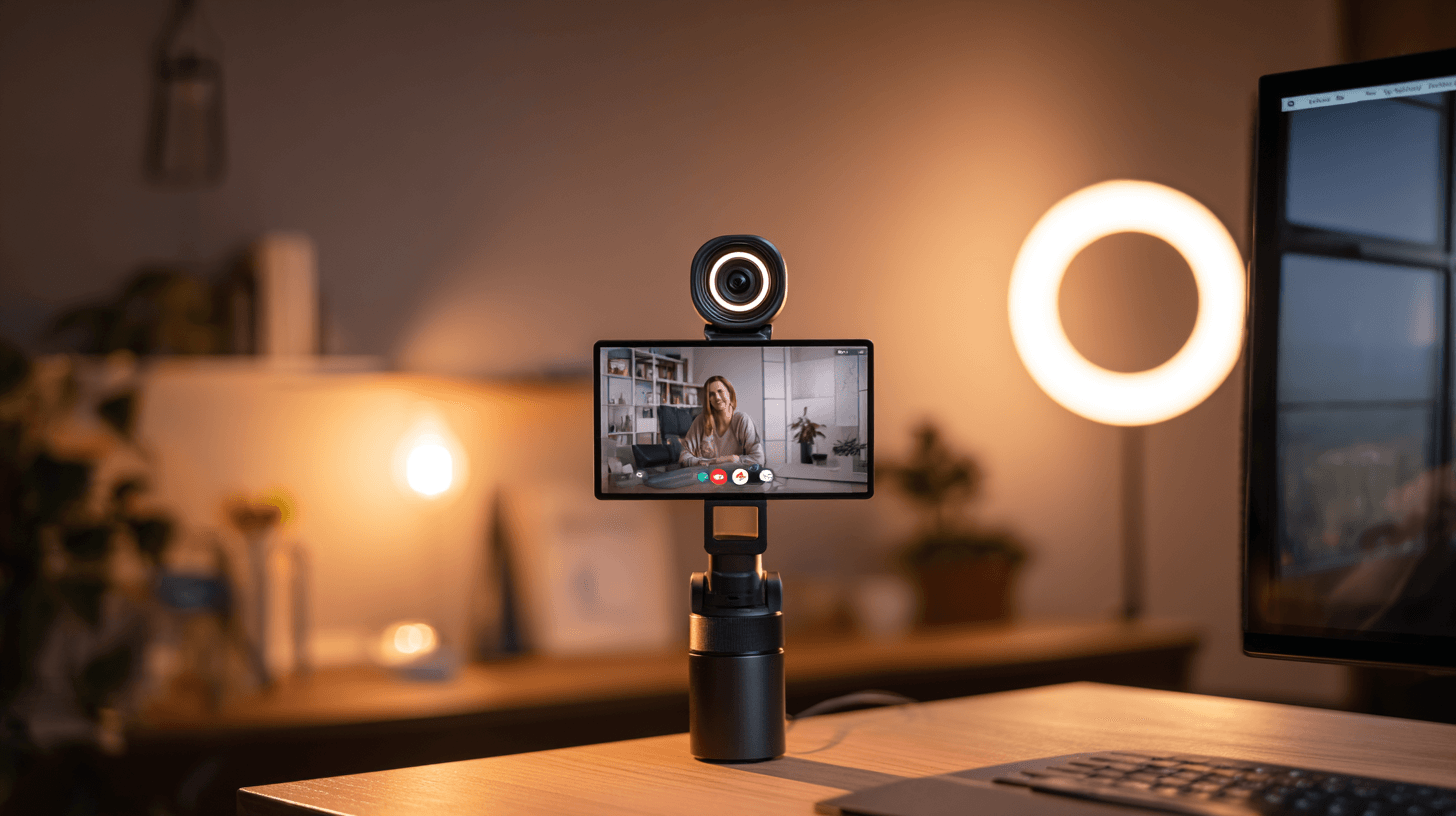
You know the moment. You hop on a Monday morning standup, coffee in hand, feeling reasonably put-together for a human being. Then you catch your own video feed. You look like you’re being interrogated in a parking garage. Meanwhile, Karen from marketing looks like she’s filming a Masterclass. Same meeting, same platform, wildly different vibes.
The culprit isn’t your bone structure. It’s your webcam.
Despite six years of collective video calling, an alarming number of professionals are still broadcasting from what appears to be a 2009 MacBook’s built-in camera. The grainy feed. The washed-out skin. The autofocus hunting for your face like it’s solving a mystery. We can do better.
I’ve tested dozens of webcams over the past three months — at my desk, in hotel rooms, in my basement office that gets about as much natural light as a submarine. Here are the five that actually matter in 2026.
Contents
- 1 Quick Verdict: Top 5 Webcams for 2026
- 2 Logitech Brio 4K Gen 2 (~$199) — Best Overall
- 3 Elgato Facecam Pro (~$299) — Best for Streamers and Content Creators
- 4 Insta360 Link 2 (~$279) — Best for Presentations and Movement
- 5 Logitech C920x (~$69) — Best Budget Option
- 6 Anker PowerConf C200 (~$59) — Best Value Under $60
- 7 Lighting Matters More Than Your Camera
- 8 Built-in Laptop Webcams: Are They Good Enough in 2026?
- 9 Recommendations by Use Case
- 10 FAQ
Quick Verdict: Top 5 Webcams for 2026
| Webcam | Price (approx.) | Resolution | Best For | Rating |
|---|---|---|---|---|
| Logitech Brio 4K Gen 2 | $199 | 4K/30fps, 1080p/60fps | Best overall for professionals | 9.0/10 |
| Elgato Facecam Pro | $299 | 4K/60fps | Streamers and content creators | 9.2/10 |
| Insta360 Link 2 | $279 | 4K/30fps | AI tracking and presentations | 8.8/10 |
| Logitech C920x | $69 | 1080p/30fps | Budget workhorse | 7.5/10 |
| Anker PowerConf C200 | $59 | 2K/30fps | Best value under $60 | 7.8/10 |
If you’re in a rush: the Logitech Brio 4K Gen 2 is what most people should buy. If you’re a streamer or want the absolute best image, the Elgato Facecam Pro is the one to beat.
Now let’s get into the weeds.
Logitech Brio 4K Gen 2 (~$199) — Best Overall
The one that makes you look like you take your job seriously.
Image quality and low light: The Gen 2 sensor is noticeably improved over the original Brio, especially in dim lighting. My basement office has a single overhead fluorescent that makes everything look vaguely clinical, and the Brio handled it without turning my skin the color of oatmeal. There’s a slight warmth to the image that’s flattering without looking filtered.
Autofocus: Fast and drama-free. I leaned in, leaned back, held up documents — it tracked without the “hunting” that cheaper cameras do.
Microphone: Dual omnidirectional mics pick up voice cleanly. My mechanical keyboard was audible but not distracting, which is a win.
Software (Logi Tune): It works. It doesn’t crash. In the webcam software landscape, that qualifies as a glowing endorsement.
One Reddit user on r/WFH summed it up well:
“Got the Brio Gen 2 after three years on a C920. The difference in how people react to me on calls is genuinely noticeable. My manager literally asked if I got a new haircut. No. I got a new camera.” — u/deskjockey_life, r/WFH
Verdict: The safest, smartest buy for most remote workers. It won’t blow your mind, but it’ll make you look consistently good without any fiddling.
Elgato Facecam Pro (~$299) — Best for Streamers and Content Creators
The one for people who think of their webcam as a “tool of the craft.”
True 4K at 60fps, which is overkill for Zoom but glorious for streaming and recording.
Image quality and low light: Best-in-class, full stop. The Sony sensor delivers a clean, detailed image with accurate colors, and the noise handling in low light is leagues ahead of anything else here.
Autofocus: Defaults to manual focus — Elgato expects you to set it and forget it. Autofocus is good but not instantaneous. For streaming, this is a non-issue. For meetings where you’re constantly moving, the Brio is snappier.
Microphone: There isn’t one. Elgato’s philosophy is that anyone buying a $300 webcam already has a dedicated mic. They’re probably right.
Software (Elgato Camera Hub): Deep controls — ISO, shutter speed, white balance, saturation — all saved to onboard memory. Your settings follow you between computers.
From r/Twitch:
“Switched from a C922 to the Facecam Pro. My chat literally thought I got a DSLR setup. It’s that much of a jump. The no-mic thing is a feature, not a bug, if you’re already running a Shure or a Rode.” — u/streaming_rat, r/Twitch
Verdict: The best image you’ll get from a dedicated webcam. If you create content or stream, this is it. Everyone else should save a hundred bucks and get the Brio.
Insta360 Link 2 (~$279) — Best for Presentations and Movement
The one that follows you around like a very attentive puppy.
The Insta360 Link 2 sits on a motorized gimbal that physically tracks your face as you move. Sounds gimmicky until you realize how useful it is for standing desk users and whiteboard presentations.
Image quality and low light: Very good, though a half-step behind the Elgato and Brio. In real-world use, the difference is marginal.
Autofocus and AI tracking: The gimbal tracking is legitimately impressive — smooth, responsive, no overshoot. I paced around my office during a test call and the camera followed without jitter. “Whiteboard mode” auto-crops and enhances a whiteboard in frame. “DeskView” shoots straight down at your desk for showing documents.
Microphone: On par with the Brio — fine for meetings.
Software (Insta360 Link Controller): Gesture controls let you trigger tracking modes with hand signals. Works about 80% of the time. The other 20% you’re waving at your computer like you’re directing traffic.
A r/Zoom user had a good take:
“The Link 2 is amazing if you move around at all during calls. I use a standing desk and I’m constantly shifting. Every other webcam would just frame my chest. This one actually keeps my face centered. Game changer for me specifically.” — u/stand_and_deliver, r/Zoom
Verdict: A specialized tool that does its specialty brilliantly. If you present or move around during calls, it’s worth the premium. If you mostly sit still (no judgment), you’re paying extra for features you won’t use.
Logitech C920x (~$69) — Best Budget Option
The one your company should be buying in bulk.
The C920 line has been the default “good enough” webcam for a decade. It’s a Honda Civic. And like a Honda Civic, it just works.
Image quality and low light: In good light, perfectly sharp and presentable. In bad light, grain creeps in and colors shift. A clear step down from the 4K options, but entirely reasonable for $69.
Autofocus: Adequate. Gets there, but slower and occasionally hunts.
Microphone: Stereo mics that do the job. Clear enough for standard meetings.
Software: Same Logi Tune app. Works fine.
From r/WFH:
“I’m not spending $200 on a webcam for daily standups. The C920x makes me look human, the audio is clear, and it’s been running daily for 14 months without a single issue. That’s all I need.” — u/pragmatic_pete, r/WFH
Verdict: If your employer won’t reimburse you and you’re spending your own money, this is the floor.
Anker PowerConf C200 (~$59) — Best Value Under $60
The one that punches above its weight and knows it.
At $59, it delivers 2K resolution — a genuine bump over the C920x’s 1080p — and the overall experience is surprisingly polished.
Image quality and low light: The 2K bump is visible. Text is sharper, faces have more detail. Low-light gets noisy faster than pricier options, but there’s a built-in privacy cover, which is a nice touch that Logitech still charges more for.
Autofocus: AI-powered and quicker than you’d expect at this price.
Microphone: Dual mics with noise reduction. Honestly impressive for $59.
Software: Anker’s AnkerWork app is basic but covers the essentials. A few filter-like presets that I’d recommend ignoring entirely.
One r/videography user noted:
“The C200 has no business being this good at $59. It’s not going to replace my Facecam for streams, but for daily work calls? It’s 90% of the Brio at 30% of the price.” — u/budget_video_nerd, r/videography
Verdict: The best value in this roundup. If you want better-than-1080p quality without spending real money, the C200 is a no-brainer.
Lighting Matters More Than Your Camera
I need to be honest with you: a $300 webcam in a dark room will look worse than a $60 webcam in good light. That’s not an opinion. That’s physics.
The single biggest upgrade most people can make isn’t a new camera — it’s a $30 desk lamp positioned correctly. Here’s the minimum viable lighting setup:
- Face the window. Natural light should hit your face, not your back. Backlight is why you look like a witness protection silhouette.
- Add a key light. An LED desk lamp at 45 degrees, slightly above eye level. Not a ring light — those make you look like you’re filming a beauty tutorial.
- Kill the overhead. Overhead-only lighting creates under-eye shadows that make you look tired. You probably are tired, but the camera doesn’t need to advertise it.
I tested the C920x with a proper two-light setup against the Facecam Pro with only overhead fluorescent. The C920x looked better. Spend on lighting first, camera second.
For a full breakdown of desk setup optimization, check out our ultimate productivity desk setup guide.
Built-in Laptop Webcams: Are They Good Enough in 2026?
The short answer: they’re better than they used to be, and still not good enough if you care even slightly.
Apple’s 1080p FaceTime cameras in the M-series MacBooks are genuinely decent — probably the best built-in webcams on any laptop. In good light, you can get away with it for meetings.
Windows laptops are a mixed bag. The Surface line has improved, and a few ThinkPads put out passable 1080p. But “passable” is doing a lot of work in that sentence. Most mainstream Windows laptops still ship with 720p cameras that make you look like you’re FaceTiming from 2014.
The fundamental problem is physics: tiny sensors crammed into thin bezels with no room for decent optics. If video calls are a regular part of your job — and in 2026, whose aren’t — a dedicated webcam is worth it.
That said, if you’re on a recent MacBook with good lighting, hold off. If you’re on a Windows laptop and people keep asking you to “turn on your camera” because they assume it’s off… time to invest.
If you’re evaluating your full remote setup, our remote work tech essentials guide covers everything from monitors to chairs.
Recommendations by Use Case
Daily meetings and professional calls: The Logitech Brio 4K Gen 2 ($199). Reliable, excellent image, built-in mic, easy setup. Pair it with a good monitor — our best monitors for coding roundup has options that work great for video calls too.
Streaming and content creation: The Elgato Facecam Pro ($299). If you need AI tracking for dynamic content, the Insta360 Link 2 is a strong alternative.
Budget-conscious: The Anker PowerConf C200 ($59). 2K resolution at this price is hard to argue with. The C920x at $69 is also fine if you prefer Logitech’s ecosystem.
Mac users on the fence: M3 or newer MacBook with good lighting? You can probably hold off. Want a visible upgrade? The Brio Gen 2 pairs well with macOS.
Presenters and standing desk users: The Insta360 Link 2 ($279). The gimbal tracking is not a gimmick — it’s the whole point.
FAQ
Do I really need a 4K webcam for Zoom calls?
Not really. Zoom, Teams, and Meet all compress video heavily — most calls max out at 1080p. But 4K cameras typically have better sensors and optics than their 1080p counterparts. You’re paying for overall quality, not just resolution.
Is the built-in microphone on these webcams good enough?
For video calls, yes — all except the Elgato (which has no mic). For recording podcasts or YouTube, get a dedicated USB mic.
Do webcams work with all video conferencing apps?
All five are standard UVC devices. Zoom, Teams, Meet, Webex, Slack — they all work out of the box. Plug in, select the camera, done.
How important is the frame rate?
For meetings: not very. 30fps is fine. For streaming: 60fps makes a visible difference, which is why the Elgato’s 4K/60fps matters for streamers but is overkill for office workers.
Should I get a ring light or a desk lamp?
A desk lamp, almost always. Ring lights create a distinctive circular reflection in your eyes and flat lighting that looks unnatural. A good LED desk lamp at the right angle will look more professional and cost less.
Can I use my phone as a webcam instead?
Yes, and modern phones have excellent cameras. Apple’s Continuity Camera works natively on Mac, and apps like Camo work cross-platform. The downside is hassle — you need a mount, your phone is tied up during calls, and battery drain is real. A dedicated webcam is a “set it and forget it” solution.
Ethan Caldwell has been reviewing tech for WU120 since 2022 and has spent an unreasonable percentage of his adult life on video calls. His webcam is always on and he will silently judge your grainy 720p feed.